
 listicle
AI Tools for Construction Project Scheduling in 2026
Table of Contents
- Quick Comparison: Top AI Construction Scheduling Tools
- How AI Is Used in Construction Project Management
- 1. Cortex by JobDox: Best for Restoration Contractors
- 2. ALICE Technologies: Best for Complex What-If Scenarios
- 3. Downtobid: Best for Pre-Construction Bid Management
- 4. NPlan: Best for Predictive Schedule Risk Analysis
- 5. OpenSpace: Best for Visual Progress Tracking
- 6. Buildots: Best for Real-Time Schedule Variance Detection
- Frequently Asked Questions
Last Updated: September 20, 2026
Quick Comparison: Top AI Construction Scheduling Tools
Cortex by JobDox is built for restoration and service contractors who need scheduling that adapts to real job conditions.
Quick Picks:
- Best for Restoration Contractors: Cortex by JobDox, AI-native scheduling and documentation built for service work
| Tool | Starting Price | Free Tier | Best For | Standout Feature |
|---|---|---|---|---|
| Cortex by JobDox | Free trial | Yes | Restoration contractors | Cortex Copilot AI assistant |
| ALICE Technologies | Contact for pricing | No | Large infrastructure | What-if scenario automation |
| Downtobid | Contact for pricing | No | General contractors | Automated bid leveling |
| NPlan | Contact for pricing | No | Capital project owners | Predictive delay analytics |
| OpenSpace | Contact for pricing | No | Visual verification | 360-degree site capture |
| Buildots | Contact for pricing | No | Commercial projects | Real-time variance detection |
How AI Is Used in Construction Project Management
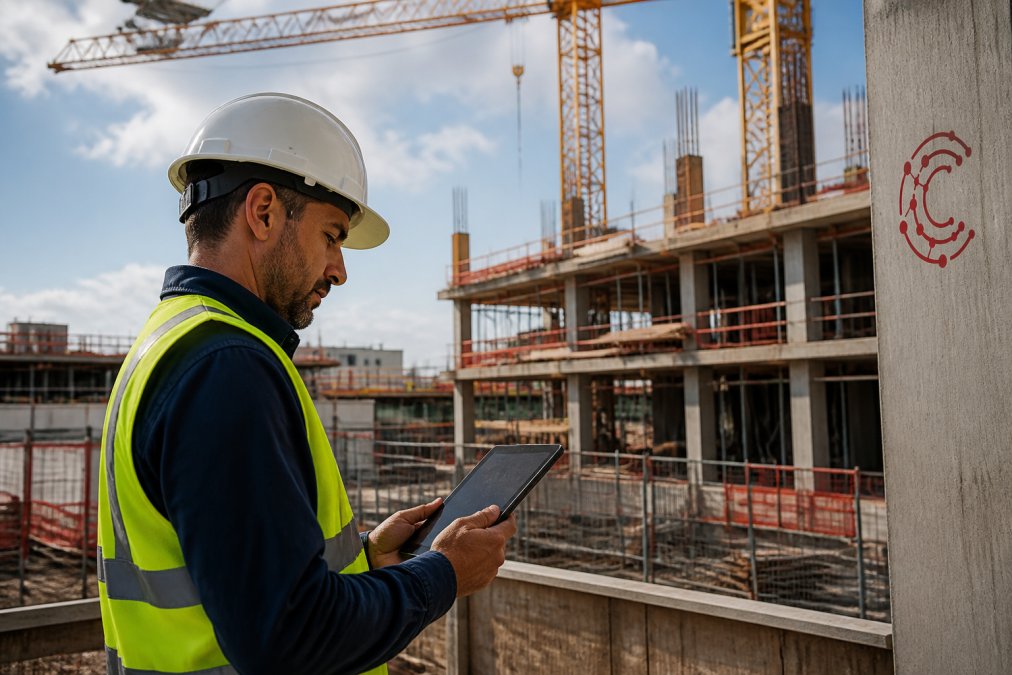
AI in construction project management applies machine learning and predictive analytics to automate scheduling, resource allocation, and risk detection. These tools analyze historical data, site imagery, and contract documents to flag problems before they delay a project.
AI Augments CPM, It Does Not Replace It
A common misconception is that AI scheduling tools throw out the Critical Path Method. In practice, most platforms use CPM as the backbone and layer machine learning on top of it. The difference is what happens when conditions change.
What the Data Pipeline Actually Looks Like
Most AI scheduling tools pull from four sources:
- Schedule files, Primavera P6, Microsoft Project, or Procore schedules, imported via API or file sync.
- Field capture, 360-degree walkthroughs, drone flights, or photo documentation tied to locations.
- Transactional records, RFIs, submittals, daily logs, and change orders that reveal where coordination is breaking down.
- External signals, weather feeds, permit status, and supplier lead times.
The model correlates these inputs against outcomes on past jobs. If your RFI volume on mechanical rough-in historically precedes a two-week delay, the system learns to flag that pattern earlier next time. It is pattern recognition applied to data your firm already generates.
Data Privacy and Security: The Question Most Guides Skip
Construction firms are wary of putting schedule data, contract terms, and jobsite imagery into a cloud platform: schedules reveal pricing, subcontractor relationships, and sequencing logic competitors would pay to see.
Before adopting any AI scheduling tool, ask three questions:
- Where does the data live, and who can access it? Look for SOC 2 Type II attestation, which is the common third-party audit standard for cloud vendors handling sensitive business data.
- Is your data used to train models shared with other customers? Many vendors aggregate anonymized data across their customer base. That can improve predictions, but you should know whether your project data contributes and whether you can opt out.
- What happens to your data if you leave? Get the export and deletion terms in writing before you sign.
The Adoption Problem Nobody Talks About
AI scheduling doesn't replace your judgment, it removes hours spent manually reconciling spreadsheets so you can act on bottlenecks faster. Small-to-mid-sized firms benefit most from tools requiring minimal setup, since implementation time pulls crews off billable work.
1. Cortex by JobDox: Best for Restoration Contractors
Cortex by JobDox is an AI-native operations platform built for restoration and service contractors. It handles the unpredictable job conditions restoration crews face.
Why Restoration Scheduling Breaks Standard Tools
Restoration and service work does not follow a clean critical path. A water damage job starts as a drying project, becomes a rebuild after the adjuster inspection, and may expand again when hidden mold is found behind drywall.
Key Features
- Automated setup builds workflows from plain English descriptions, so a new job type does not require a consultant to configure
- Cortex Copilot answers job, crew, and financial questions in plain language
- Predicts project budgets and flags overruns early
- Drafts adjuster responses to help recover more money
- Converts won jobs into search-optimized local landing pages
What Implementation Actually Looks Like
For a small-to-mid-sized restoration firm, the practical question is how much setup time the tool requires before it pays for itself. A typical rollout:
- Week one, Import active jobs and crew roster. Because setup runs from plain English descriptions rather than a rigid template, most firms can stand up their first workflow without a dedicated implementation project.
- Week two, Run Cortex alongside your existing scheduling method on live jobs, comparing its recalculated timelines against your manual ones.
- Week three onward, Move scheduling and documentation into Cortex, using Copilot for job and budget questions instead of digging through spreadsheets.
Pros and Cons
Pros: Purpose-built for contractors, minimal implementation time, optional white-glove onboarding, and AI that understands restoration-specific workflows.
Pricing
Cortex by JobDox offers a free trial and a free plan, with paid tiers available. Visit the Cortex by JobDox pricing page for current rates, since costs scale with team size and feature needs.
Where Cortex Fits in a Small-Firm AI Stack
Most AI scheduling coverage targets enterprise contractors with dedicated innovation teams. A five-to-fifty-person restoration shop does not have that luxury, and the adoption path looks different:
- Start with one pain point. For most restoration firms, that is documentation and adjuster communication, not full schedule optimization. Solve the problem that costs you the most hours first.
- Avoid tools that require clean historical data to function. Predictive platforms that depend on years of structured project records will underperform for a firm that has been running on spreadsheets. Tools that generate value from the current job, like Cortex's plain-English workflow setup, deliver faster.
- Budget for training, not just licenses. The subscription is rarely the largest cost. The real cost is the hours your project managers spend learning the system, and that should be planned for explicitly.
- Check the exit terms. If your data cannot be exported in a usable format, you are locked in regardless of what the contract says.
2. ALICE Technologies: Best for Complex What-If Scenarios
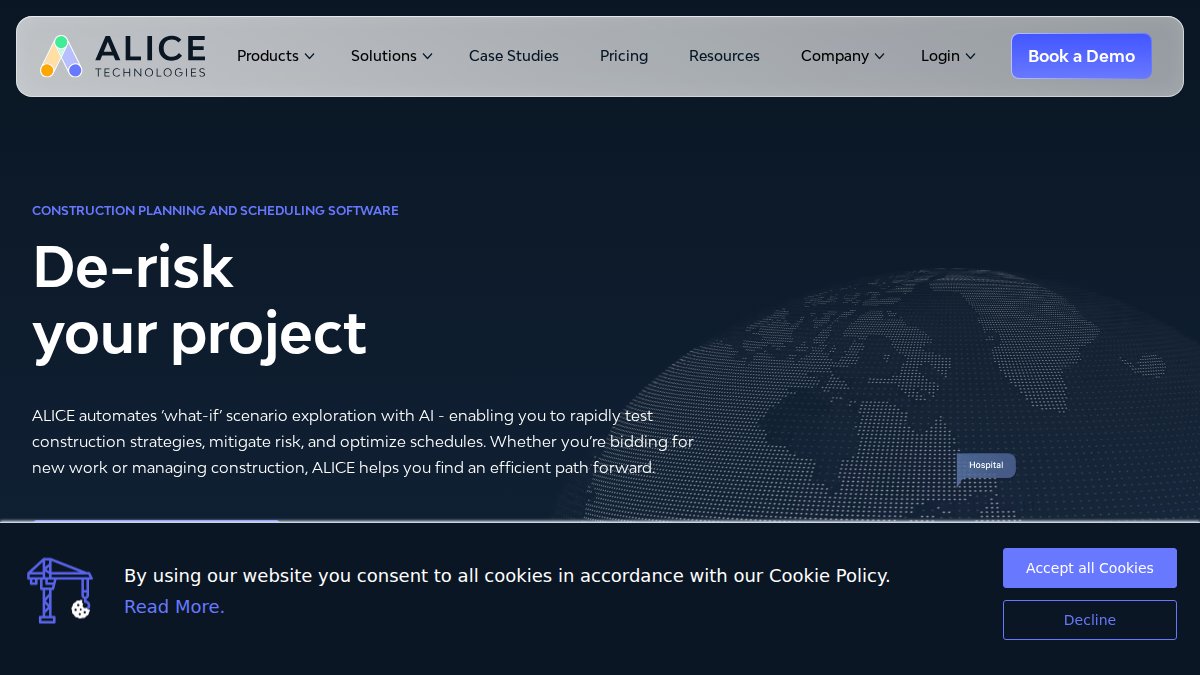
ALICE Technologies automates what-if scenario analysis for large-scale construction projects, generating schedules from project constraints and testing multiple construction strategies in minutes rather than days.
Key Features
- Automated schedule generation based on project constraints
- Real-time what-if scenario testing for construction strategies
- Resource optimization to reduce project duration and costs
Pros and Cons
Pros: Cuts time spent on manual schedule adjustments and provides data-driven insights for risk mitigation.
Pricing
ALICE Technologies uses enterprise licensing. Pricing is available by contacting their sales team directly.
3. Downtobid: Best for Pre-Construction Bid Management
Downtobid focuses on pre-construction, automating bid management and subcontractor coordination. It fits general contractors juggling multiple bids at once.
Key Features
- Automated scope of work generation from construction plans
- AI-powered subcontractor outreach and bid leveling
- Centralized communication hub for project stakeholders
Pros and Cons
Pros: Reduces administrative burden during pre-construction and improves accuracy in bid comparisons.
Pricing
Downtobid uses a subscription model. Contact their team for current pricing.
4. NPlan: Best for Predictive Schedule Risk Analysis
NPlan uses deep learning to analyze historical project data and predict where schedules will slip, built for large infrastructure and capital projects where delays carry heavy costs.
Key Features
- Predictive analytics for schedule delay identification
- Benchmarking against historical project performance data
- Automated risk assessment reports
Pros and Cons
Pros: Identifies hidden project risks and integrates with existing scheduling software.
Pricing
NPlan uses an enterprise subscription model. Pricing is available on request.
5. OpenSpace: Best for Visual Progress Tracking
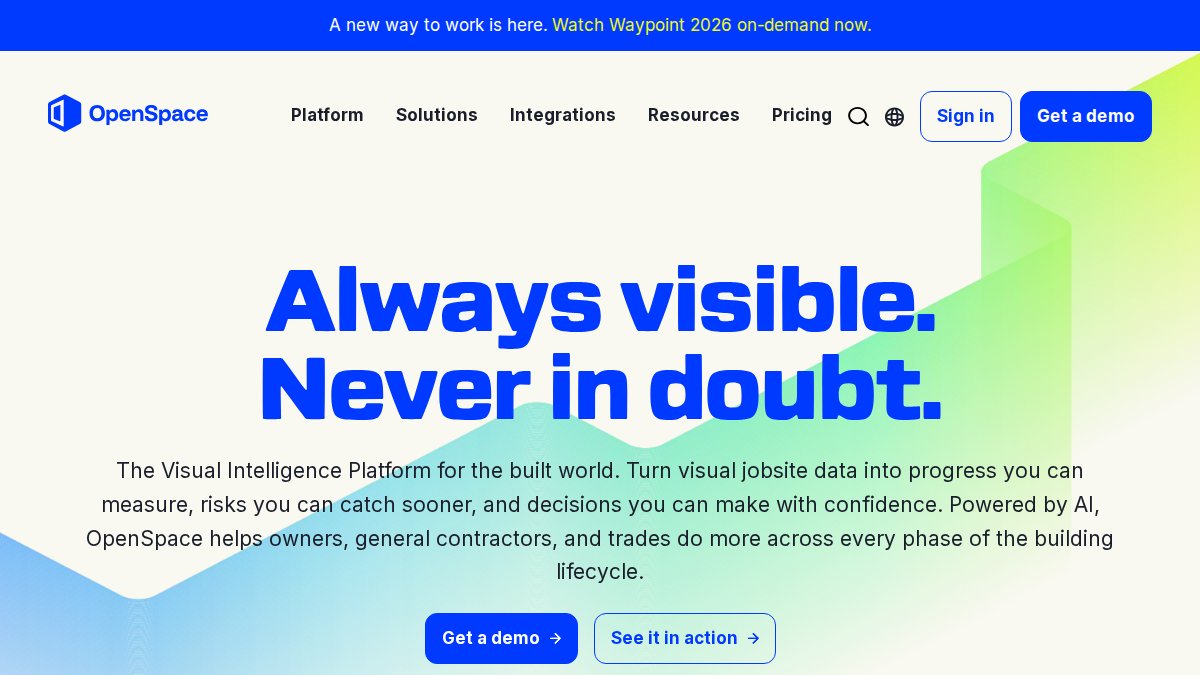
OpenSpace maps 360-degree jobsite imagery directly to project schedules, giving project managers an objective visual record of progress without manual site walks.
Key Features
- Automated progress tracking via 360-degree video
- AI-based comparison of site progress against BIM models
- Integration with Procore and other project management tools
Pros and Cons
Pros: Provides objective visual documentation and reduces time spent on manual site walks.
Pricing
OpenSpace uses subscription pricing based on project size. Contact them for a quote.
6. Buildots: Best for Real-Time Schedule Variance Detection
Buildots analyzes site footage against your project schedule in real time, catching variance as it happens rather than weeks later.
Key Features
- Automated progress monitoring for every trade
- Real-time schedule variance detection
- Integration with scheduling software like Primavera P6
Pros and Cons
Pros: High accuracy in identifying delays and delivers actionable data for project managers.
Pricing
Buildots uses subscription pricing. Contact their team for current rates.
Frequently Asked Questions
What is the best AI for construction scheduling?
The best tool depends on your project size and needs. For small-to-mid-sized restoration and service contractors, Cortex by JobDox offers an AI-native platform that predicts budgets and manages schedules without a lengthy setup.
Can ChatGPT do construction takeoffs?
ChatGPT is not designed for construction takeoffs. It lacks the specialized object recognition and measurement tools needed to extract quantities from blueprints accurately. Dedicated AI estimating tools are built for this task, using AI-driven object recognition to automate takeoffs from construction plans. These tools integrate with major construction management software and provide precise data for scheduling and budgeting, which general-purpose AI cannot match.
How is AI being used in construction scheduling?
AI is used to automate schedule generation, predict risks, and optimize resource allocation. This enables data-driven decision making and reduces manual adjustments, helping teams stay on track.
How does AI improve construction project timelines?
AI improves timelines by automating dependency management, resource leveling, and risk mitigation. It continuously analyzes project data to flag schedule variances early, allowing managers to address bottlenecks before they cause delays. Predictive analytics forecast potential issues, while automated reporting keeps stakeholders informed. This leads to more accurate milestones, reduced downtime, and faster project delivery compared to traditional manual scheduling methods.