 listicle
7 Best Software for Managing Contractor Job Costs
Last Updated: October 27, 2026
Quick Summary
The best software for managing contractor job costs depends on your trade: Cortex by JobDox is built for restoration and service contractors with AI budget prediction and early overrun flags, while Buildxact, Knowify, and JobTread suit residential remodelers. Match the tool to your project size, not to the sales demo.
- Cortex by JobDox predicts project budgets and flags overruns early for restoration contractors.
- Buildxact, Knowify, and JobTread appear in comparisons focused on residential job costing.
- Procore is identified for large commercial projects, so match tools to project size.
- Timeero is identified as a tool for labor cost tracking.
- A Cal Poly case study of 59 participants found Excel and WinEst still used for cost estimating.
Table of Contents
- Quick Comparison: Software for Managing Contractor Job Costs
- How We Evaluated These Job Costing Tools
- 1. Cortex by JobDox: AI-Native Job Costing for Restoration Contractors
- 2. Buildxact, Knowify, and JobTread: Residential Job Costing Options
- 3. QuickBooks Online, Buildertrend, and Procore: Accounting and Enterprise Tools
- 4. Timeero and Premier Construction Software: Labor Tracking and Cost Control
- Contractor Management Software Pricing: What to Expect
- Construction Budget Tracking Software: Features That Prevent Overruns
- Frequently Asked Questions
Quick Comparison: Software for Managing Contractor Job Costs
Software for managing contractor job costs exists to close that gap, and picking the wrong tool usually means paying for a system your field crew never opens.
At Cortex by JobDox, we build for restoration and service contractors.
| Tool | Best For | Standout Capability | Free Trial |
|---|---|---|---|
| Cortex by JobDox | Restoration and service contractors | AI budget prediction and adjuster drafts | Yes |
| Buildxact, Knowify, JobTread | Residential remodelers | Residential-focused job costing | Varies by tool |
| QuickBooks Online | Accounting-first shops | Familiar bookkeeping backbone | Yes |
| Buildertrend, Procore | Enterprise and commercial | Large-project management | Demo-based |
| Timeero, Premier | Labor and cost control | Crew hour and cost tracking | Varies |
For a deeper roundup of real-time options, see the best real time job costing software for contractors.
How We Evaluated These Job Costing Tools
Cost capture matters more than feature count. A recent case study of 59 participants by California Polytechnic State University researcher D. R. Cazares (2024) found Excel, WinEst, and on-screen tools among the software used for construction cost estimating, which tells you plenty of shops still run estimates through spreadsheets. Cal Poly study on cost estimating software use
If you're new to the category, start with a primer on restoration job costing software for beginners. And before you compare features, get clear on job costing vs. estimating, because the two solve different problems.
1. Cortex by JobDox: AI-Native Job Costing for Restoration Contractors
Cortex by JobDox is an AI-native operations platform built specifically for restoration and service contractors. The platform predicts project budgets and flags overruns early.
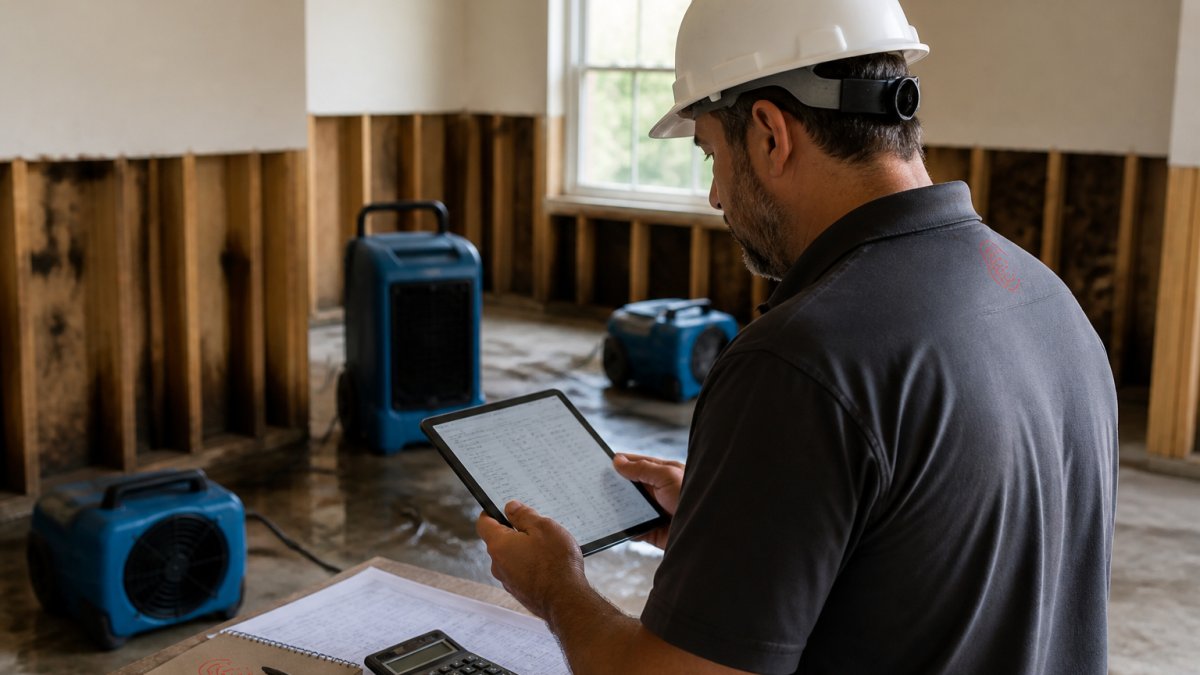
Setup is automated: you describe your workflow in plain English and the platform builds it. Cortex Copilot answers job, crew, and financial questions in plain English, The platform also drafts adjuster responses to recover more money, and won jobs convert automatically into search-optimized local landing pages. White-glove onboarding is optional if you want hands-on help.
Pros and Cons
Pros:
- Built specifically for restoration and service contractors
- AI budget prediction with early overrun flags
- Copilot answers cost and crew questions conversationally
- Adjuster response drafting supports billing recovery
Cons:
- Narrower fit if you run large commercial projects rather than restoration
Best for: restoration firms with 10-50 employees that want job costing and documentation in one platform.
2. Buildxact, Knowify, and JobTread: Residential Job Costing Options
Buildxact, Knowify, and JobTread appear in comparisons focused on job costing for residential contractors.
Best for: residential remodelers and home builders comparing job-costing options.
3. QuickBooks Online, Buildertrend, and Procore: Accounting and Enterprise Tools
Buildertrend appears in both job-costing and contractor management comparisons. Procore is identified for large commercial projects.
Watch out: Match the tool to project size, not to the sales demo.
4. Timeero and Premier Construction Software: Labor Tracking and Cost Control
Timeero is identified as a tool for labor cost tracking. Premier Construction Software is positioned around full cost control.
Contractor Management Software Pricing: What to Expect
Contractor management software pricing varies by product and plan. For current Cortex by JobDox pricing, visit the website.
Our breakdown of construction management software costs covers total ownership and ROI in detail.
Construction Budget Tracking Software: Features That Prevent Overruns
Access Coins describes tracking job costs, commitments, and change orders as they happen. Access Coins on real-time job cost tracking
Scoop Market construction software statistics
Capterra survey of construction AI providers
If overruns are your pain point, read up on the benefits of real time budget monitoring for contractors.
Frequently Asked Questions
What is contractor job costing software?
Contractor job costing software helps track project costs. Cortex by JobDox predicts project budgets and flags overruns early.
How much does contractor job costing software cost?
Cortex by JobDox offers a 14-day free trial and a free plan, with current pricing available on its website.
How do contractors track labor and material costs by job?
Contractors can track labor and material costs by job using the methods and tools that fit their workflows.
How does job costing software help prevent cost overruns?
Cortex by JobDox predicts project budgets and flags overruns early. The verified product information does not specify how its AI is trained or prescribe a particular response to an overrun.
What is the difference between job costing and project management software?
Job costing and project management software can address different operational needs. Cortex by JobDox combines job, crew, and financial questions in Cortex Copilot with scheduling and communication automation.
The pattern is consistent: contractors who see costs as they happen catch overruns while they're still fixable. Cortex by JobDox was built for exactly that, with AI budget prediction, automated documentation, and adjuster response drafting in one platform. Start your 14-day free trial and see what your job costs actually look like in real time.