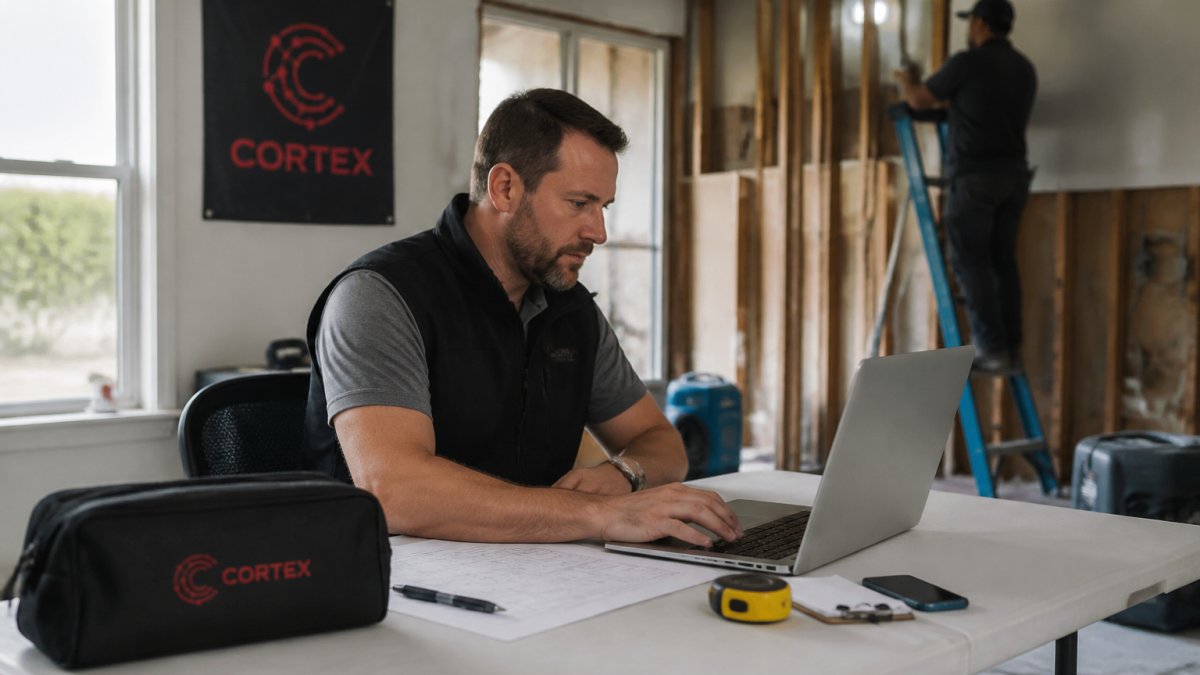
 comparison
Albi Alternatives for Restoration Contractors in 2026
Table of Contents
- Why Look Beyond Albi for Restoration Management Software?
- Top Albi Alternatives Compared
- Key Restoration Management Software Features to Prioritize
- Restoration Software Pricing Models Explained
- How to Switch Restoration Management Software Without Losing Data
- Which Restoration Platform Fits Your Firm?
- Make the Move to Modern Restoration Software
- Frequently Asked Questions
Last Updated: September 7, 2026
Restoration contractors who have relied on Albi for years are hitting the same wall: the platform was built for a slower, paper-first era of job management. As claims grow more complex and margins tighten, many owners are evaluating albi alternatives for restoration contractors that automate documentation, predict budgets, and connect the field to the office in real time. Generic project management tools simply don't speak the language of mitigation, mold remediation, and reconstruction.
Most restoration software treats your business like a generic construction firm, missing the workflows that drive profitability: insurance claims processing, adjuster communication, moisture mapping, and time and materials billing. A restoration platform must handle the full project lifecycle, from loss call to final invoice, with documentation that holds up under carrier scrutiny.
Below, we compare the strongest alternatives, break down the features that matter most, and show you how to switch platforms without losing a single job record.
Why Look Beyond Albi for Restoration Management Software?
Most contractors outgrow Albi because it treats job management as checklists rather than a connected operational system. When estimators, project managers, and admins work in silos, you lose visibility into job costing, and overhead creeps in.
The industry has moved toward cloud-based, mobile-first design. Field technicians need to log photos, capture signatures, and update statuses from the job site, not drive back to the office. A modern platform should give your crew real-time reporting to flag budget overruns before they become losses.
Consider the compliance angle as well. Insurance carriers now expect digital documentation trails that prove every line item. According to industry guidance on insurance claims documentation standards, thorough documentation is the single biggest factor in successful claim recovery. If your current system makes documentation an afterthought, you're leaving money on the table with every adjuster negotiation.
Top Albi Alternatives Compared
Four platforms stand out as serious replacements for Albi, each with a different center of gravity. The right choice depends on whether your pain point is field documentation, financial control, or operational automation.

Cortex by JobDox: AI-Native Operations Platform
Our top pick for most restoration firms is Cortex by JobDox, an AI-native operations platform purpose-built for contractors. Where other tools digitize your workflow, Cortex rethinks it, automating documentation, predicting budgets, flagging overruns early, and drafting adjuster responses that recover more money from claims.
The differentiator is the Cortex Copilot: instead of clicking through dashboards, you ask questions in plain English about jobs, crews, or financials and get instant answers. Setup is equally fast, describe your workflow and the system builds the automation around it. Won jobs automatically convert into search-optimized local landing pages, feeding a referral pipeline.
DASH by Next Gear: Enterprise-Grade Job Management
DASH is a comprehensive job management platform designed for the disaster restoration industry, handling mitigation and reconstruction workflows with real-time job tracking, centralized document and photo management, and automated carrier reporting.
Its deep Xactimate integration makes it a natural fit for firms that live inside that estimating ecosystem. The trade-off is a steeper learning curve, teams wanting a simple, AI-driven interface may find DASH's extensive feature set requires more training.
Encircle: Field Documentation First
If your biggest pain point is capturing accurate evidence from the job site, Encircle earns serious consideration. This mobile-first platform focuses on photo logging, automated floor plan sketching, equipment tracking, and moisture mapping, all synced with Xactimate.
Field crews adopt Encircle quickly because the mobile interface is genuinely superior, and high-quality documentation reduces adjuster disputes. The limitation is scope: Encircle prioritizes documentation over full business operations, so you may still need separate tools for scheduling, job costing, and CRM.
PSA: Financial Control for Multi-Crew Firms
PSA is a specialized restoration management software built for the complex financial and operational needs of multi-crew companies, delivering advanced financial reporting, job costing, multi-crew scheduling, and insurance claim lifecycle tracking.
For firms running multiple crews across simultaneous projects, PSA's financial controls are the strongest in this group. Smaller, single-crew operations may find it heavier than necessary, both in cost and in the effort required to configure workflows.
Key Restoration Management Software Features to Prioritize
Before comparing vendors, build your feature checklist around the workflows that generate revenue. The right platform should cover these restoration management software features, but more importantly, you need to understand how each operates in practice:
-
Insurance claims processing: Look beyond basic document storage. The system should generate carrier-ready claim files that organize photos, moisture readings, work logs, and invoices in the exact sequence adjusters expect. Ask whether the platform supports electronic signatures for work authorizations and whether it maintains a timestamped communication log with the carrier. Some platforms also flag missing documentation before you submit, reducing claim rejections.
-
Estimating software integration: Direct sync with Xactimate or similar tools so estimates flow into job costing without rekeying. Verify whether the integration is bidirectional, meaning approved change orders in Xactimate automatically update your job budget, or whether you must manually push and pull data. Also confirm which Xactimate versions are supported and whether line items map cleanly to your chart of accounts.
-
Mobile field documentation: Photo capture, moisture mapping, and signature collection that works offline. Field crews need to document conditions before and after mitigation, so the mobile app must handle batch photo uploads with automatic metadata tagging (date, time, GPS location). Ask about offline mode: if a technician loses connectivity in a basement, can they still capture evidence and sync it later without data loss? Some platforms also offer voice-to-text notes, which speeds up documentation significantly.
-
Job costing and profitability analysis: Real-time visibility into labor, materials, and overhead per project. The system should track actual hours against estimate hours at the task level, not just the project level. Look for features like daily labor cost rollups, equipment rental tracking, and the ability to compare budgeted vs. actual line items while the job is still open. This lets you catch a losing job before it's finished rather than discovering it during month-end close.
-
Automated workflows: Task assignment, status updates, and trigger-based notifications that keep jobs moving. The most effective systems let you define rules like "when a job reaches the drying stage, notify the reconstruction estimator" or "when a supplement is approved, update the project budget and alert the project manager." Ask vendors whether workflow triggers are configurable without a developer, and whether you can set different workflows for mitigation vs. reconstruction jobs.
-
Customer communication portal: A shared space for clients and adjusters to review progress and approve changes. The portal should give clients read-only access to photos and status updates while giving adjusters a separate view of documentation and line-item details. Check whether the portal supports digital signatures for change orders and whether all communication is automatically archived for compliance purposes.
A common mistake is prioritizing weekly features while ignoring the integration ecosystem. Ask each vendor which accounting tools they connect with, confirm the data migration path, and ask about API access, if you use specialized tools for mold testing or equipment tracking, you'll want to know whether the platform can connect to them.
Restoration Software Pricing Models Explained
Restoration software pricing models vary widely, and the cheapest monthly rate rarely tells the full story. Some platforms charge per user, which penalizes growth; others base pricing on job volume or revenue tiers, which can surprise you during peak season.
The restoration software pricing models you'll encounter fall into three categories: per-user subscriptions, flat-rate plans with feature tiers, and usage-based pricing tied to job counts. Per-user pricing is transparent but scales poorly; usage-based pricing aligns cost with revenue but makes budgeting less predictable.
Cortex by JobDox offers a free trial so you can validate the workflow fit before committing; current pricing is on the website. When comparing costs, calculate total cost of ownership over three years, including implementation, training, and migration fees.
How to Switch Restoration Management Software Without Losing Data
Migration friction is why many contractors stay on outdated platforms longer than they should. A structured migration plan removes that risk. Here's the playbook restoration firms actually use:
-
Audit your current data: Export all job records, client contacts, equipment logs, and financial history. Identify which data is essential for compliance and which can be archived. Pay special attention to open claims, those need to be fully active in the new system on day one. For closed jobs, you may only need summary records plus PDFs of final invoices and signed work authorizations. Most platforms can import historical data as read-only archives, which keeps your audit trail intact without cluttering active workflows.
-
Map your document structure: Restoration firms typically store photos, moisture logs, and carrier correspondence in folder hierarchies that vary by project manager. Before migrating, standardize your naming conventions and folder structure. A common pattern is organizing by job number, then by phase (mitigation, reconstruction), then by document type (photos, estimates, invoices). This upfront work prevents a messy data dump that your team will struggle to navigate later.
-
Map your workflows: Document how jobs move from lead to close today. This becomes your blueprint for configuring the new system. Include the handoff points between estimators, project managers, field crews, and admins. Note where approvals happen and who needs visibility at each stage. Most platforms have default workflows, but the ones that fit your operation best are the ones you customize to match your actual process.
-
Run a parallel pilot: Load a handful of active jobs into the new platform and run them alongside your current process for two weeks. Choose jobs that represent your typical mix: one simple water mitigation, one complex fire job with reconstruction, and one mold remediation with insurance involvement. This tests whether the new system handles your real-world scenarios before you commit fully.
-
Train in phases: Start with project managers and admins, then bring field crews online once the office workflow is stable. Field crews need the least training if the mobile app is intuitive, but they still need to practice photo uploads and signature capture. Schedule training sessions during slower periods, mid-week is better than Monday morning when jobs are being dispatched.
-
Cut over at a clean boundary: Schedule the full switch at month-end so financial reporting aligns cleanly. Before the cutover, freeze data entry in the old system for 48 hours and run a final export. Verify that all open jobs, pending invoices, and active claims appear correctly in the new system before you announce the switch to your team.
Data portability should be a contract question. Ask every vendor whether you can export your data in open formats (CSV, JSON, or standard SQL) if you leave, a platform that locks your data in is a liability. Ask about migration support: some vendors offer free import services, others charge per-hour fees.
One detail most guides skip: check how the new platform handles historical photos and moisture maps. Some systems compress images, making them unusable for insurance disputes. Ask about original file retention and whether the platform stores full-resolution images.
Which Restoration Platform Fits Your Firm?
The right choice comes down to firm size and your primary operational bottleneck.
| Platform | Best For | Core Strength | Watch Out For |
|---|---|---|---|
| Cortex by JobDox | Firms of 10-50 employees seeking automation | AI-native workflows, budget prediction, adjuster response drafting | Newer platform, verify integration needs |
| DASH by Next Gear | Large-scale firms with complex workflows | Xactimate integration, carrier reporting | Steeper learning curve |
| Encircle | Field teams needing strong documentation | Mobile capture, moisture mapping | Limited full-business operations |
| PSA | Multi-crew firms needing financial control | Job costing, profitability analysis | May be heavy for small operations |
For a 15-person firm that wants to scale without adding overhead, Cortex by JobDox delivers the automation that replaces manual coordination. Your documentation, scheduling, and adjuster communication happen automatically, freeing project managers to focus on work requiring human judgment.
Make the Move to Modern Restoration Software
The cost of staying on an outdated platform is measured in lost recovery, unbilled hours, and manual coordination overhead. Every week you delay, competitors with modern systems are documenting faster, billing more accurately, and closing jobs with less friction.
Cortex by JobDox was built to eliminate those inefficiencies. It automates documentation, predicts budgets before overruns happen, and drafts adjuster responses that recover more of what you're owed.
Start your 14-day free trial and see what an AI-native operations platform does for your restoration business.
Frequently Asked Questions
What are the best alternatives to Albi for restoration project management?
The best alternatives depend on your priorities. Cortex by JobDox offers AI-native automation for documentation and budget tracking. DASH by Next Gear provides deep Xactimate integration for large firms. Encircle excels at field documentation with moisture mapping, while PSA is built for complex financial reporting and job costing. Evaluate your firm's size and biggest operational bottleneck to choose the right fit.
What features should restoration contractors look for in management software?
Prioritize features that address restoration-specific workflows. Look for Xactimate integration, mobile-first design for technicians in the field, digital documentation, and automated insurance claims processing. Real-time job costing, inventory management, and customer communication portals are also critical. If you are evaluating AI platforms, see how it predicts budgets and flags overruns early.
How do I choose the right restoration software for my company?
Start by mapping your current workflow. Identify the biggest bottlenecks, whether that is documentation, scheduling, or billing recovery. Then, compare the features that solve those specific problems. Check the pricing model for scalability as you grow from 15 to 40 employees. Finally, ask about data migration and implementation time to understand the true cost of switching.
Does restoration software integrate with Xactimate?
Many restoration-specific platforms do. DASH by Next Gear offers seamless integration with Xactimate for estimating. Encircle syncs directly with Xactimate as well. If you rely heavily on Xactimate for scoping and estimates, confirm that any alternative you evaluate supports this integration natively to avoid manual data entry and potential errors.
Is there a free alternative to Albi for small restoration businesses?
Cortex by JobDox offers a free trial and a free plan, making it a strong option for small restoration businesses testing the waters. Start with the free trial to evaluate the tool against your real workflows before committing to a paid subscription.