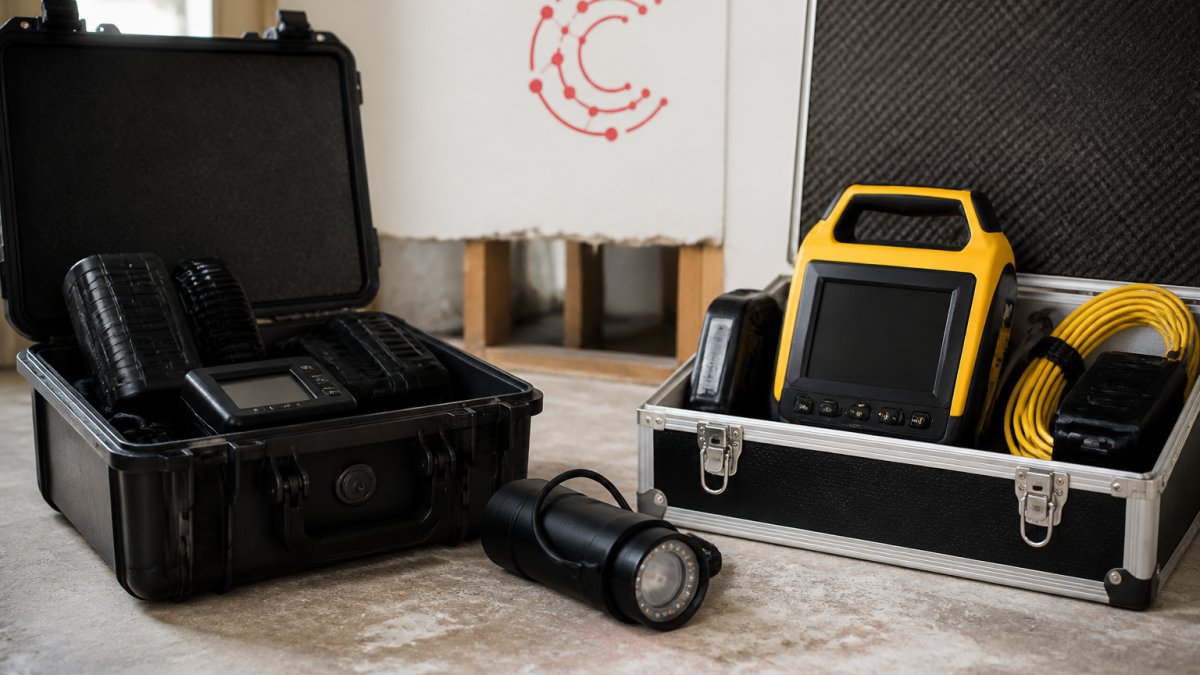
 comparison
DASH Restoration Software Review: Features, Pricing & Alternatives
Table of Contents
- What DASH Restoration Software Does
- DASH Software Pricing and Total Cost of Ownership
- Key Features: Job Management, Timesheets, and Accounting Integration
- Restoration Software Alternatives to DASH
- Restoration Job Tracking Software: What to Look For
- Water Damage Restoration Software Capabilities
- Implementation, Onboarding, and Support
- Should You Switch to DASH or Choose an Alternative?
- Frequently Asked Questions
Last Updated: October 10, 2026
What DASH Restoration Software Does
DASH restoration software is a web and mobile job management platform designed specifically for restoration businesses. It helps teams track jobs from intake through completion, manage field operations, and coordinate office workflows. The platform handles core restoration functions: job scheduling, crew assignments, site documentation, and communication with insurance adjusters and property owners.
For restoration contractors, the core challenge isn't choosing between options, it's whether a general job management tool will actually handle restoration-specific workflows. DASH is purpose-built for this industry, which means it understands water damage mitigation, fire restoration, and reconstruction projects in ways that generic software doesn't.
What separates dedicated restoration software from broader platforms is the ability to handle insurance-driven workflows. Adjusters need specific documentation. Jobs have multiple phases. Crews work in unpredictable conditions. DASH addresses these realities directly, though like any platform, it has tradeoffs worth understanding before you commit.
DASH Software Pricing and Total Cost of Ownership
DASH restoration software pricing is available through their website, but the actual cost of ownership extends beyond the monthly subscription. When evaluating restoration software, you need to account for implementation time, training, data migration from your current system, and the productivity cost during the transition period.
Most restoration software operates on a per-user or per-job model. The difference matters significantly when you're scaling from 10 employees to 30. A $500/month platform becomes expensive if you're paying per user and adding staff regularly. Some platforms charge a flat rate regardless of team size, which works better for growing teams.
The hidden cost is onboarding. If implementation takes three weeks and pulls your office manager away from daily operations, that's real money. Some vendors offer white-glove setup; others require you to figure it out. That decision affects your total cost of ownership more than the base subscription price.
When comparing DASH to alternatives, request a detailed breakdown of what's included in the base price and what costs extra. Ask specifically about per-user fees, job limits, and integration costs. The cheapest platform upfront often becomes expensive when you add the features you actually need.
Key Features: Job Management, Timesheets, and Accounting Integration
Job management in restoration software needs to handle the specific reality of your work: jobs that start with water extraction, move into drying and dehumidification, and finish with reconstruction. The platform should let you create job stages that match your actual workflow, not force you into a generic template.
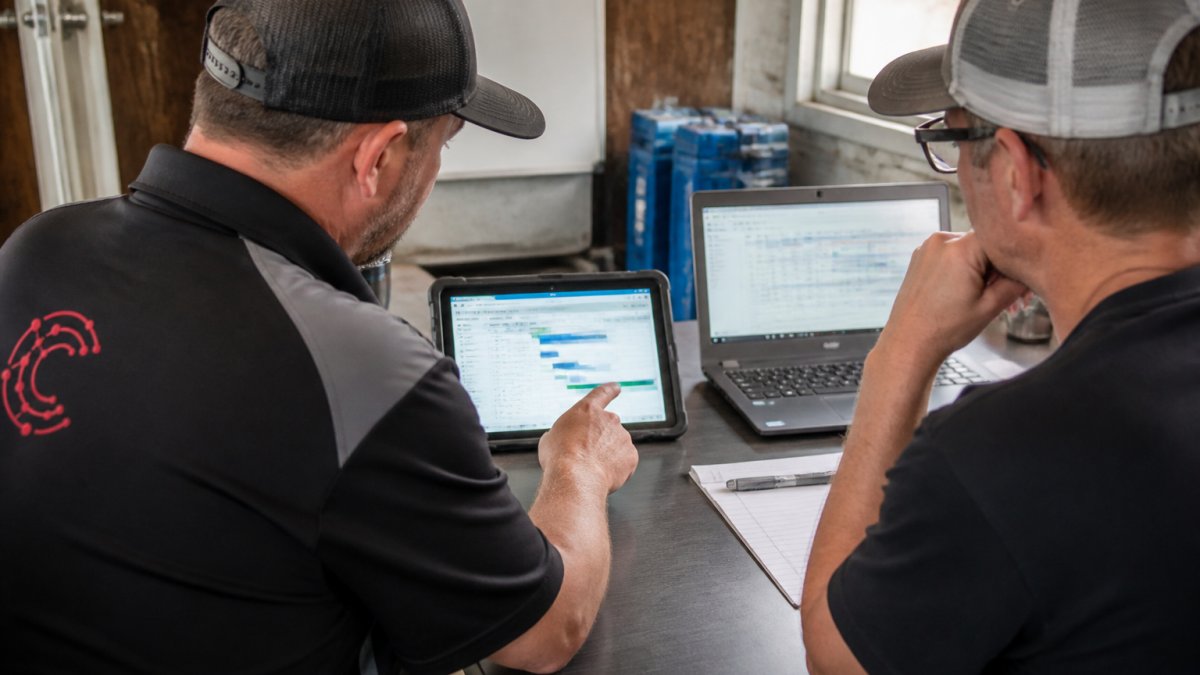
DASH includes mobile access so crews can update job status from the site. This is non-negotiable for restoration work, your team needs to log what they're actually seeing without returning to the office.
Timesheets and labor tracking are where many restoration businesses lose money. Crews work irregular hours. Some jobs require overtime. Equipment sits idle on expensive days. A proper restoration software tracks labor hours by job, by crew member, and by task type.
Accounting integration with QuickBooks is table stakes for restoration software. Your accounting system needs to pull job costs, labor, equipment, and materials automatically. Manual data entry creates errors and delays your invoicing.
Restoration Software Alternatives to DASH
The restoration software market includes several players, each with different strengths. Your choice depends on your company size, your current workflow, and what you're willing to change about how you operate.
Cortex by JobDox
Cortex by JobDox is an AI-native operations platform purpose-built for restoration and service contractors. Cortex functions as an intelligent operations manager that handles documentation automation, budget prediction, and adjuster communication alongside job scheduling.
Cortex uses AI to automatically draft responses to adjuster emails, flag budget overruns before they happen, and convert won jobs into search-optimized local landing pages. This means your team spends less time on administrative work and more time on actual restoration.
For small to mid-sized restoration companies, Cortex addresses a real pain point: the overhead cost of managing documentation, adjusters, and scheduling simultaneously. The platform learns your specific job types and automatically creates workflows based on plain English descriptions. If you're currently managing adjuster communication through email and spreadsheets, Cortex eliminates that friction directly.
As you grow from 15 to 40 employees, the platform reduces the administrative overhead that typically requires hiring additional office staff. The AI learns your job patterns and flags problems before they become expensive.
Xcelerate Restoration Software
Xcelerate positions itself as a direct alternative to DASH, with a focus on automation, efficiency, and profitability. The platform emphasizes simplified workflows and reduced manual data entry compared to traditional job management systems.
Xcelerate's approach is straightforward: simplify the job management process so your team spends less time in the software and more time on actual restoration work. The platform handles scheduling, crew assignments, and job documentation with a mobile-first design that prioritizes field usability.
The tradeoff with Xcelerate is that it's less specialized than some alternatives. It handles core job management well, but if you need advanced features like AI-driven budget prediction or automated adjuster communication, you're looking at integrations rather than built-in functionality.
JobNimbus
JobNimbus is a general-purpose job management platform used across restoration, construction, and home services. It includes job scheduling, crew management, customer communication, and basic accounting integration.
JobNimbus works well for companies that want a flexible platform not locked into restoration-specific workflows. You can customize it heavily to match your process. The downside is that customization requires more setup time and ongoing configuration as your business evolves.
Restoration Job Tracking Software: What to Look For
When evaluating any restoration job management platform, focus on these core capabilities. They determine whether the software actually solves your problems or just creates new ones.
Mobile access and offline functionality. Your crews work on job sites without reliable internet. The software needs to work offline and sync when connectivity returns.
Customizable job stages. Restoration jobs don't follow a standard path. A water damage job might be extraction, drying, dehumidification, and reconstruction. A fire damage job might skip drying entirely.
Equipment and material tracking. Your profitability depends on knowing which jobs consumed which equipment and materials. Can the software track a dehumidifier across multiple jobs? Can it log material usage by job? If not, you're guessing at job costs.
Insurance adjuster workflows. Most of your work is insurance-driven. The software should make it easy to manage adjuster communication, document requirements, and scope changes. If it treats adjusters like regular customers, you're fighting the system.
Real-time reporting. You need to know job status, crew location, and labor hours without logging in to a dashboard.
Water Damage Restoration Software Capabilities
Water damage restoration has specific requirements that general job management software often misses. Water jobs are time-sensitive. Mold risk increases with every day the property stays wet. Documentation needs to be precise because insurance companies scrutinize water damage claims heavily.
The software needs to track drying equipment by location and by job. A dehumidifier running on a property generates daily readings that prove the drying process is working. The platform should log those readings, track equipment placement, and generate reports that adjusters can use to approve payment.
Water damage jobs also require specific documentation: photos of affected areas, moisture readings, equipment placement, and daily progress notes. The software should make it easy to capture this documentation from the site and organize it in a format that adjusters expect to see.
Billing for water damage work is complex. You're billing for labor, equipment rental, materials, and sometimes additional services like mold remediation or content restoration. The software needs to handle multiple billing categories and track them separately so you can see which services are actually profitable.
Implementation, Onboarding, and Support
The software you choose is only as good as your ability to actually use it. Implementation and onboarding matter more than feature lists because adoption determines whether you get any value at all.
Ask potential vendors these specific questions: How long does implementation typically take? Can you keep running your current system during the transition, or do you have to switch over completely? What training does the vendor provide, and is it included in the base price? What happens after launch, do you have ongoing support, or are you on your own?
Cortex by JobDox offers optional white-glove onboarding that handles setup and training so your team isn't pulled away from jobs.
Support quality also varies significantly. Some vendors offer phone support during business hours; others use email and knowledge bases. For a platform that's critical to your daily operations, real-time support matters. A job can't wait three days for an email response.
Should You Switch to DASH or Choose an Alternative?
The decision between DASH and alternatives comes down to your specific situation. If you're currently using spreadsheets and email to manage jobs, any dedicated restoration software will improve your efficiency.
DASH works well if you want a focused job management platform that handles scheduling, crew coordination, and basic documentation.
Choose Cortex by JobDox if you want to reduce administrative overhead. The AI-driven automation handles tasks that currently consume your office staff's time, adjuster communication, budget tracking, documentation. If your bottleneck is administrative work rather than job management, Cortex addresses that directly.
Xcelerate makes sense if you want a middle ground between general-purpose software and specialized restoration platforms. It's restoration-focused.
JobNimbus is the right choice if you do multiple types of work and need flexibility across different service types.
| Platform | Best For | Key Strength | Implementation |
|---|---|---|---|
| Cortex by JobDox | Reducing overhead and automating admin work | AI-driven automation and adjuster communication | Fast, optional white-glove support |
| DASH | Straightforward job management | Purpose-built for restoration workflows | Self-directed implementation |
| Xcelerate | Restoration teams wanting simplicity | Simplified interface and mobile-first design | Moderate setup time |
| JobNimbus | Multi-service companies | Flexibility and customization | Longer implementation, more configuration |
The real decision is whether you're optimizing for job management efficiency or administrative overhead reduction. If your office is drowning in adjuster emails and documentation, Cortex solves that problem.
Frequently Asked Questions
How much does DASH restoration software cost?
DASH pricing is quote-based and not publicly listed on their website. Costs depend on your company size, number of users, and which modules you need (job management, accounting integration, mobile access). Compare this approach with platforms offering transparent, tiered pricing to understand total cost of ownership before committing.
What are the best alternatives to DASH for restoration contractors?
Top alternatives include Cortex by JobDox (AI-native platform with automated workflows and budget prediction), Xcelerate Restoration Software (designed for restoration-specific automation), and JobNimbus (general job management platform). Each differs in pricing model, implementation speed, and feature depth. Your choice depends on team size, budget, whether you need AI-powered insights, and how quickly you need to go live.
What features should restoration job tracking software include?
Essential features are mobile job access for field teams, real-time job status updates, timesheet and labor tracking, job documentation and photo management, integration with accounting software (QuickBooks), equipment tracking, and customer communication tools. Advanced platforms add budget prediction, automated adjuster responses, and workflow automation. Prioritize features that address your biggest operational pain point first.
Can restoration software manage water damage restoration workflows specifically?
Yes. Water damage restoration software should handle rapid job intake, emergency dispatch, equipment tracking (dehumidifiers, air movers), moisture monitoring documentation, insurance adjuster communication, and quick turnaround scheduling. Platforms like DASH and Cortex by JobDox support these workflows, but verify that the software you choose includes water-damage-specific job templates and integrations with your existing processes.
How long does it take to implement DASH or similar restoration software?
Implementation timelines vary. Cortex by JobDox offers optional white-glove onboarding. Before choosing, ask about implementation length, how much of your team's time will be pulled from jobs, data migration support, and whether the vendor provides training and ongoing support.
Restoration software is only valuable if your team actually uses it. The platform that requires the least change to your existing workflow will see the highest adoption. Cortex by JobDox is specifically designed to minimize disruption by automating tasks your team already does manually. Start with a free trial to see whether AI-driven automation actually improves your operation before committing to implementation.