
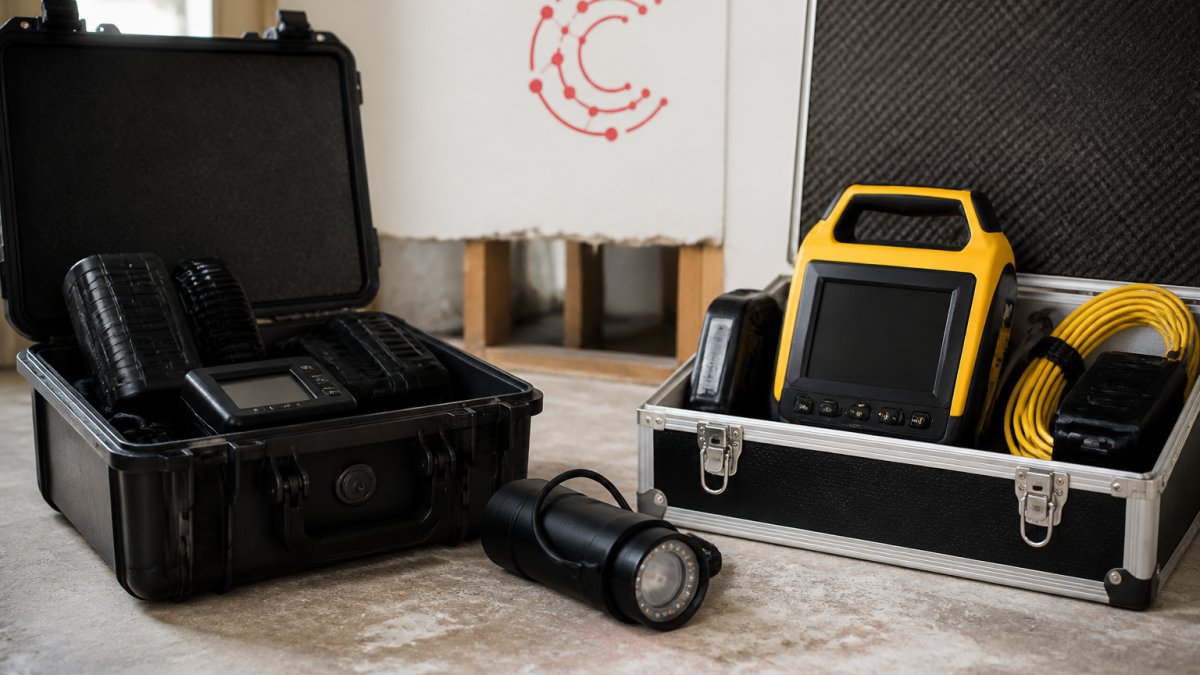
 comparison
Wave vs DocuSketch Restoration Software: 2026 Comparison
Table of Contents
- Wave vs DocuSketch: Quick Comparison Table
- What Wave Does Best for Restoration Estimating
- Where DocuSketch Excels in Field Documentation
- Restoration Project Management Software: Integrating Your Tech Stack
- Automating Restoration Documentation: Workflows and Offline Capabilities
- Pricing and Implementation Time: What to Expect
- Which Tool Fits Your Restoration Business?
- Frequently Asked Questions
Last Updated: September 29, 2026
Wave vs DocuSketch: Quick Comparison Table
Wave and DocuSketch both target restoration teams, but they solve different problems. Choosing the wrong restoration software costs you time on every single job, so the distinction matters before you sign a contract.
Wave is an AI-powered estimating platform that turns site data into finished restoration estimates. DocuSketch is a field documentation and sketching platform that captures accurate floor plans and hands them off to estimating tools like Xactimate. One finishes the estimate; the other feeds it.
The table below shows where each tool actually wins.
| Feature | Wave | DocuSketch | Winner |
|---|---|---|---|
| Core strength | Automated estimate generation | Floor plan and site documentation | Depends on workflow |
| Starting price | Contact for pricing | $379/month | Depends on pricing model |
| Xactimate hand-off | Limited | Native | DocuSketch |
| AI scoping | Yes | No | Wave |
| Free tier | No | No | Tie |
| Best for | Estimate writing | Field data capture | Depends on team |
Neither tool runs your whole operation. That gap is where Cortex by JobDox fits, and we will get to it.
What Wave Does Best for Restoration Estimating
Wave's strength is the estimate itself. The platform uses AI-driven scoping to generate restoration estimates directly, which cuts the manual data entry that slows down most estimating teams.
If your bottleneck is adjusters waiting on paperwork, Wave attacks that problem head-on. It outputs finished estimate documents rather than raw measurements, so the hand-off to the carrier happens faster.
The trade-off: Wave puts less emphasis on visual documentation than sketching-first tools. Teams that need defensible photo evidence and precise floor plans will still want a dedicated capture tool alongside it.
Where DocuSketch Excels in Field Documentation
DocuSketch wins on documentation speed and accuracy. Its automated floor plan generation and mobile-first field data capture replace manual tape measuring, and the platform hands measurements straight to Xactimate.
For field teams, that hand-off is the whole point. A technician walks the loss, captures the space, and the sketch lands in the estimating workflow without anyone redrawing it at the office.
The limitation is scope. DocuSketch is primarily a documentation tool, not a full estimating or operations platform. It does one job extremely well and expects other software to handle the rest.
Xactimate documentation standards
Restoration Project Management Software: Integrating Your Tech Stack
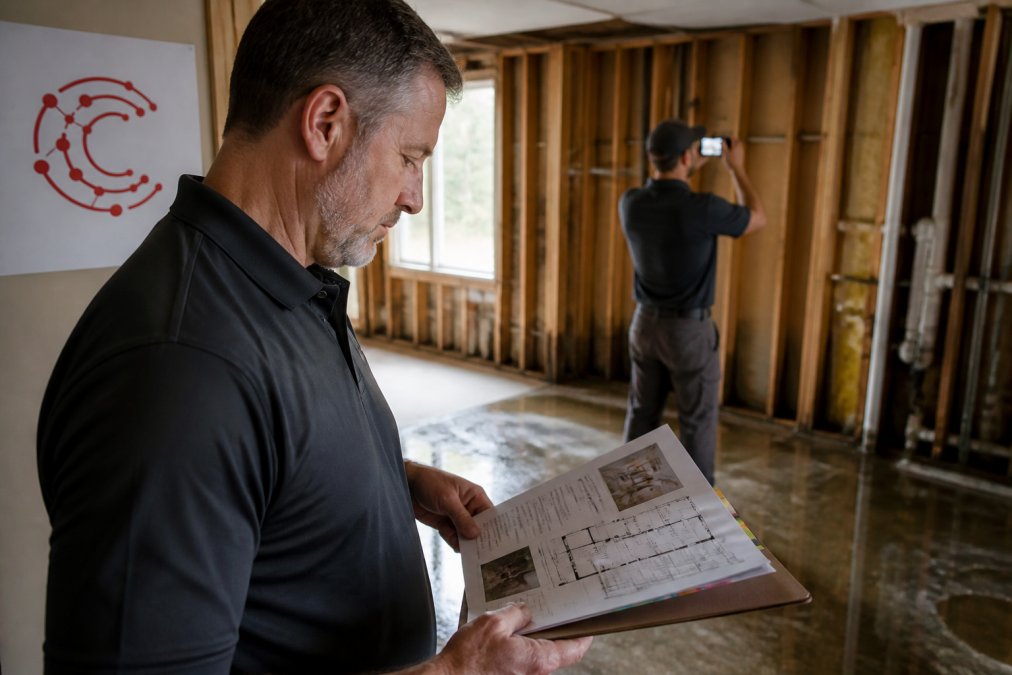
A restoration project management software stack works best when each tool has one clear job and the data moves between them without re-entry. Wave and DocuSketch are two pieces of that stack, not the whole picture.
The Integration Layer Most Comparisons Skip
Most Wave vs DocuSketch write-ups stop at the estimating hand-off. That is the visible integration. The one that actually decides whether your back office runs clean is the connection to accounting and ERP systems, QuickBooks, Xero, Sage Intacct, and similar platforms where job costing, payroll, and progress billing live.
- Job cost codes tied to the estimate line items, so labor, materials, and equipment hit the right bucket.
- Change orders that reflect scope revisions captured in the field, not discovered at month-end.
- Progress billing milestones that match the carrier's payment schedule, so cash flow tracks the work.
What to Ask Before You Buy
When you evaluate Wave, DocuSketch, or any point solution, ask three integration questions:
- What does the export actually contain? A PDF is not an integration. Ask for a CSV, an API endpoint, or a native connector, and ask to see it work with your accounting platform, not a demo tenant.
- Which direction does data flow? Documentation-to-estimate is table stakes. Estimate-to-accounting is where most stacks break.
- Who owns the data when you leave? If switching tools means losing your historical job costs, you are locked in more than the contract suggests.
Automating Restoration Documentation: Workflows and Offline Capabilities
Automating restoration documentation means capturing site data once and letting software route it to estimating, reporting, and the carrier without manual handling. The catch is that job sites often have no reliable signal.
Why Offline Is the Decision Factor Nobody Compares
Search for Wave vs DocuSketch and you will find feature grids, pricing notes, and Xactimate hand-off talk. You will not find a serious comparison of what happens when the technician has one bar of signal in a parking garage stairwell or a rural loss with no LTE at all. That is the gap this section fills.
- Local capture. Photos, measurements, moisture readings, and notes stored on the device before any upload. This is the baseline. Most modern field apps do it.
- Local processing. Whether the app can generate a sketch, run a scope, or validate a form while offline. This is where tools diverge sharply. Some require a connection to do anything beyond raw capture.
- Conflict-free sync. What happens when two technicians edit the same job, or when a device reconnects mid-edit. Poor sync logic silently overwrites field data, and you find out weeks later when the carrier disputes a line item.
How to Test Offline Before You Commit
Do not take a vendor's word on offline support. Run this test during your trial:
- Put the device in airplane mode at the office.
- Walk a mock loss: capture photos, mark moisture readings, sketch a room, add notes.
- Force-quit the app, reopen it, and confirm nothing was lost.
- Re-enable the connection and time how long the sync takes.
- Open the same job on a second device and confirm both see the same data.
Where Wave and DocuSketch Sit
Both platforms are built around field capture, and both expect a connection at some point in the workflow. Neither is positioned as a fully offline-first operations hub that also runs scheduling, budgeting, and adjuster communication on the same device. For teams running mitigation and remediation across multiple sites, especially during CAT events when cell networks are congested or down, the gap between "captures data" and "runs the job offline" is where projects slip.
FEMA guidance on disaster documentation
Pricing and Implementation Time: What to Expect
DocuSketch publishes a starting price of $379 per month. Wave does not publish pricing publicly, so you will need to request a quote based on your team size and job volume.
| Consideration | Wave | DocuSketch |
|---|---|---|
| Published starting price | Not published | $379/month |
| Free tier | No | No |
| Setup approach | Quote-based onboarding | Platform setup |
| Team training | Vendor-dependent | Vendor-dependent |
Which Tool Fits Your Restoration Business?
Pick DocuSketch if accurate sketching and Xactimate hand-off are your priority. Pick Wave if estimate generation is the bottleneck you need to clear. Both are solid single-purpose tools.
Frequently Asked Questions
What are the primary differences between Wave and DocuSketch for restoration contractors?
Wave focuses on AI-powered estimating, automating the creation of restoration estimates and scoping documents. DocuSketch specializes in field documentation, using 360-degree photography and mobile capture to generate accurate floor plans and site data. Wave reduces manual data entry for estimates, while DocuSketch speeds up site assessment and hand-off to platforms like Xactimate. Your choice depends on whether you need faster estimating or faster documentation.
Does DocuSketch integrate with major restoration project management software?
DocuSketch integrates with Xactimate and other estimating platforms to streamline the hand-off of site data. However, it is primarily a documentation tool, so you may need additional restoration project management software for scheduling, job costing, and adjuster communication. Check integration compatibility with your existing tech stack before committing, especially if you rely on a unified platform for field-to-office synchronization.
How does Wave improve documentation speed for water mitigation jobs?
Wave uses AI to automate estimate generation directly from site data, cutting the time technicians spend on manual scoping and data entry. For water mitigation jobs, this means faster turnaround from site assessment to a finished estimate. However, Wave has less focus on visual documentation like 360-degree photography, so you may still need a separate tool for comprehensive photo evidence and sketching.
Is AI-driven documentation the future of restoration project management?
AI-driven documentation is already changing how restoration contractors handle field data capture, estimating, and claims processing. Platforms that automate restoration documentation reduce manual errors and speed up adjuster hand-offs. The trend points toward unified platforms that combine AI estimating, real-time reporting, and workflow automation, helping contractors scale without adding overhead. Early adopters gain an edge in operational efficiency and billing recovery.
What should restoration business owners look for when comparing documentation software?
Prioritize offline functionality, integration with accounting and ERP systems, and implementation time. Check whether the tool supports 360-degree photography, real-time field-to-office synchronization, and direct hand-off to estimating software. Also evaluate pricing scalability as you grow, and whether the platform offers a user-friendly interface that field technicians will actually adopt. Request a demo to test workflow fit before committing.
Restoration software decisions get harder as your team grows, and point tools stop scaling once you pass a certain job volume. Cortex by JobDox handles documentation automation, budget prediction, adjuster communication, and scheduling in one AI-native platform built for contractors. Start a 14-day free trial and see how much admin time your team gets back.