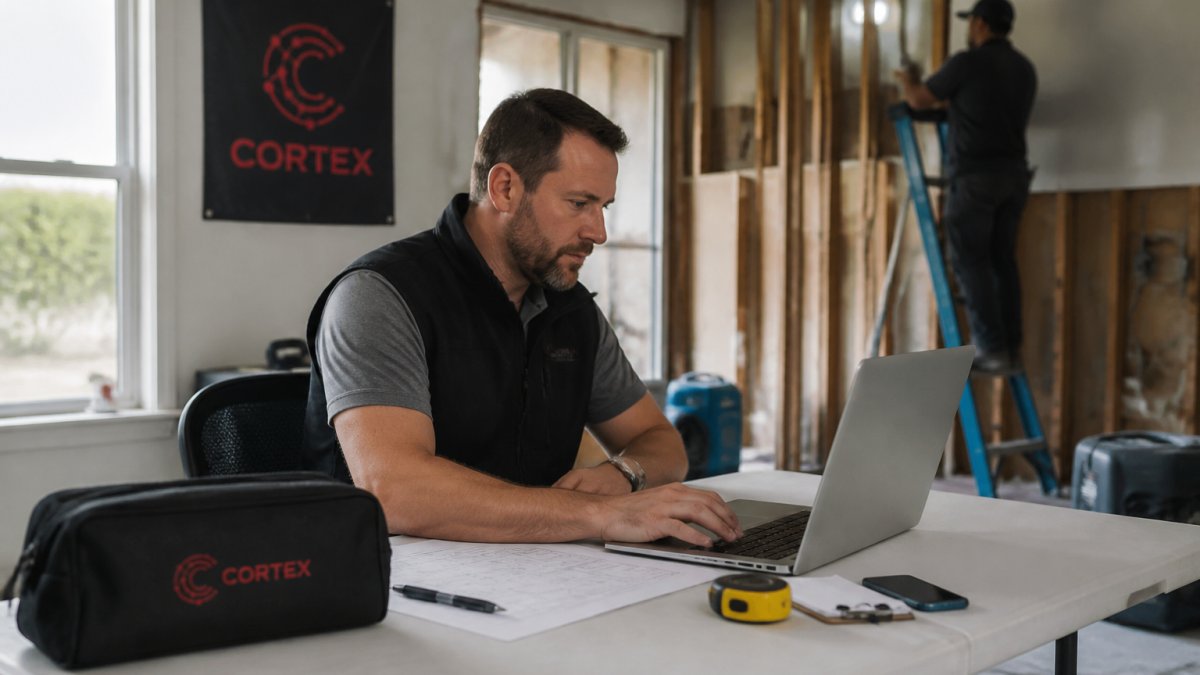
 comparison
Alternatives to Manual Restoration Project Tracking
Last Updated: November 2, 2026
Quick Summary
Replace manual restoration project tracking with restoration project management software that keeps one record per job, linking field photos, status updates, estimates, and adjuster communication in a single system. Migrate with a defined cutover date and one parallel week, then run your first live job in the new system within days.
- Manual tracking breaks down at around 10 employees, when spreadsheets and group texts start dropping jobs.
- Spreadsheets fail because they can't see the field, can't remind anyone, and can't prove anything after the fact.
- Build total cost of ownership from five lines, including admin hours, billing delay, and disputed scope.
- Budget one parallel week and several hours of staff time per role for migration and training.
- Pick one mid-size live job as the pilot and stop entering new jobs in the old system after the cutover date.
Table of Contents
- Why Manual Restoration Project Tracking Breaks Down at 10 Employees
- Manual Tracking vs. Software Workflows: A Side-by-Side Comparison
- What Restoration Project Management Software Actually Replaces
- The Real Limits of Restoration Project Tracking Spreadsheets
- Automated Restoration Project Documentation in the Field
- Restoration Software Pricing and Total Cost of Ownership
- How to Migrate Off Paper and Reminders Without Losing a Job
- Start Your 14-Day Free Trial and Track One Live Job
- Frequently Asked Questions
Why Manual Restoration Project Tracking Breaks Down at 10 Employees
Manual restoration project tracking works fine until it doesn't. At around 10 employees, the spreadsheets, group texts, and shared reminders that carried a five-person crew start dropping jobs, and nobody notices until an adjuster calls about a missing photo set.
The tipping point is volume, not effort. One project manager can hold 12 jobs in their head. At 30 jobs, memory fails and the spreadsheet becomes the source of truth, which means every update depends on someone remembering to type it in. Teamwork's 2026 analysis of project tracking tools notes that tracking software now exists mainly to give real-time visibility into budgets, schedules, and resource allocation, the exact three things manual systems lose first.
Below, we compare manual tracking against software workflows, walk through total cost of ownership, and outline a migration plan that keeps jobs on schedule.
Manual Tracking vs. Software Workflows: A Side-by-Side Comparison
The honest comparison isn't paper versus software. It's the cost of a missed photo, a stale job status, or a lost change order versus a monthly subscription.
| Workflow | Manual Tracking | Software Workflow | What It Costs When Manual Fails |
|---|---|---|---|
| Job status updates | Text threads, whiteboard | Live status per job | PM calls asking "where are we?" |
| Photo documentation | Phone camera roll | Tagged to job and room | Adjuster disputes, re-inspection |
| Scheduling | Shared calendar, memory | Crew assignment with notifications | Double-booked crews, idle days |
| Estimate to work order | Rebuilt in a spreadsheet | Converted from won job | Scope drift, unbilled extras |
| Adjuster communication | Individual email threads | Logged, drafted responses | Slow approvals, delayed payments |
That table is the summary. For a shortlist of tools to evaluate, see this comparison of cloud based restoration management software.
Drying and monitoring. Manual: moisture readings go on a paper log or a notes app, then get retyped into the estimate days later.
Documentation and scope. Manual: photos live in a camera roll, notes live in a text thread, and the estimate lives in a separate file.
Adjuster approval. Manual: the PM emails a PDF and waits, then chases.
Repairs and closeout. Manual: the crew lead calls the office to say the job is done, and the office updates the spreadsheet whenever they get to it.
What Restoration Project Management Software Actually Replaces
Restoration project management software replaces the manual handoffs between field, office, and adjuster with a single record per job. That's the whole value proposition, and it's why Planisware's 2026 review of PMO platforms finds leading platforms converging on centralized tracking to replace fragmented manual entry.
What gets replaced, specifically:
- The photo dump. Field data capture attaches photos to a job and a room, not a camera roll.
- The status call. Job status updates itself as crews complete tasks.
- The spreadsheet rebuild. Estimates convert into work orders without retyping.
- The reminder app. Scheduling and assignment happen in the same system as documentation.
- The email archaeology. Adjuster communication stays on the job record.
What it doesn't replace is your judgment on scope and pricing. To see which manual workflows can be automated and what that looks like in practice, read this guide to automated workflows for restoration companies. Software tracks the work; you still decide what the work is worth.
The Real Limits of Restoration Project Tracking Spreadsheets
Restoration project tracking spreadsheets fail at three specific things: they can't see the field, they can't remind anyone, and they can't prove anything after the fact.
A spreadsheet is a snapshot. It's accurate the moment someone types in it and stale ten minutes later. Wrike's 2026 guidance on project management tools points out that even free plans cap users, projects, or storage, which is why small teams outgrow DIY tracking faster than they expect.
A spreadsheet can hold a job status, but it is poorly suited to holding large volumes of timestamped photos tied to specific rooms and damage categories, which limits its value when scope is disputed later.
Watch out: teams often keep the spreadsheet as a "backup" during migration and end up maintaining two systems. Pick a cutover date and stop updating the old one.
Automated Restoration Project Documentation in the Field
Automated restoration project documentation is the practice of capturing photos, notes, and readings on a phone at the job site, with each item linked to the job record.

This is where manual tracking loses the most money. Missing or untagged photos are a leading reason adjusters push back on scope, and re-inspections cost a crew half a day. Restoration Industry Association guidance recommends integrating real-time scheduling and digital documentation specifically to reduce that friction.
Field usability matters as much as features. For a deeper guide on strengthening field operations, see how restoration contractors can improve field operations. If the app needs a signal to save a photo, crews may stop using it in a basement.
Restoration Software Pricing and Total Cost of Ownership
Restoration software pricing is only half the number that matters. The other half is what manual tracking already costs you in admin hours, missed scope, and slow billing. The useful comparison is total cost of ownership rather than the sticker price alone.
Start with how restoration platforms actually price. The common models are per-user-per-month subscriptions, tiered plans that bundle modules (job tracking, estimating, documentation, customer management), and per-job or usage-based pricing for teams with seasonal volume.
Then build your own total cost of ownership. The five lines below are the ones that move the decision:
- Admin hours per week spent on data entry, status updates, and spreadsheet maintenance, multiplied by loaded hourly cost.
- Days from job completion to invoice, and the cash-flow cost of that delay.
- Jobs per year with disputed or reduced scope, and the dollar value of the reductions. Missing or untagged photos are a frequent cause.
- Re-inspection hours per month, including crew time and travel.
- Subscription cost at your current headcount, then at 40 employees, so you can see how the model scales before you commit.
A simple break-even framing helps. If a missed photo set costs a crew half a day, and your loaded crew cost is a known hourly figure, multiply that by the number of disputed jobs per year. Compare that annual figure to the subscription cost at your headcount.
Two cost items buyers often overlook. First, migration and training time: budget one parallel week and several hours of staff time per role, not zero. Second, data portability and exit cost: confirm what export formats the vendor supports, who owns the data, and what happens to your records if you leave.
Structure your comparison around those five TCO lines plus migration and exit costs. That is the number to compare when weighing software against manual tracking for your business.
How to Migrate Off Paper and Reminders Without Losing a Job
Migrating off paper and reminders takes a defined cutover, a parallel week, and one owner. For a realistic schedule to plan around, see this restoration software implementation timeline. Done that way, most teams run their first live job in the new system within days, not months.
- Pick one live job as the pilot. Choose a mid-size project with an active adjuster, not your biggest or smallest.
- Export what you have. Get open jobs, contact records, and templates out of the spreadsheet into a file you own.
- Set the cutover date. After that date, no new job enters the old system. No exceptions.
- Run parallel for one week. Keep the spreadsheet read-only for reference, not for updates.
- Train on the job, not in a classroom. Walk the crew through the pilot job on their phones.
- Review at day 30. Check documentation completeness, billing speed, and admin hours saved.
ScienceDirect's 2025 study of real-time tracking in construction found that structured real-time tracking improved project outcomes versus manual and legacy systems across the projects studied. The lesson: the framework matters more than the tool.
Start Your 14-Day Free Trial and Track One Live Job
Cortex by JobDox is an AI-native operations platform for restoration and service contractors. It offers automated setup that builds workflows from a plain-English description, Cortex Copilot for answering job, crew, and financial questions in plain English, budget prediction with early overrun flags, drafted adjuster responses, and automatic conversion of won jobs into local landing pages. Optional white-glove onboarding is available.
Frequently Asked Questions
What are the best alternatives to spreadsheets for restoration project tracking?
The practical alternatives fall into three groups: dedicated restoration platforms, general construction project management tools, and AI-native operations platforms built for service contractors. Dedicated restoration tools handle job tracking, photo documentation, and adjuster communication in one place. General construction tools cover scheduling and budgets but need configuration for restoration milestones. AI-native options like Cortex by JobDox add budget prediction and automated documentation on top of standard tracking. Most small firms start by replacing the spreadsheet that carries the most manual entry, usually job status and photo logs.
How does restoration project management software track jobs from lead to final invoice?
Each job becomes a record that moves through defined stages: lead, estimate, scope of work, work order, active work, and closeout. Software ties scheduling, task management, photo documentation, and job costing to that single record, so a status change updates the schedule and the budget at the same time. Team collaboration happens through assignments and notifications rather than phone calls. Reporting pulls from the same data, which is why project visibility improves without anyone re-entering numbers into a second system.
What features should restoration contractors look for in project tracking software?
Prioritize five things: mobile app usability in the field, photo documentation tied to the job record, estimate and scope of work management, scheduling with crew assignment, and reporting that shows job status and cost variance. Add integrations for accounting and payments if you bill adjusters directly. Ask about offline access before you commit, since basements and crawlspaces rarely have signal. Data security and record keeping matter too, because insurance work generates documentation you may need to produce months later.
How long does it take to migrate from manual tracking to restoration software?
A small restoration business can usually run its first live job in the new system within a week if it starts narrow. Export open jobs from your spreadsheet, load active clients, and set up the stages your workflow already uses. Run the new platform alongside paper for one or two jobs, then retire the old method once the team trusts the data. Platforms with automated setup, like Cortex by JobDox, build workflows from a plain English description. White-glove onboarding is available if you would rather hand off the configuration.
Is restoration software pricing worth it compared with free spreadsheets?
Spreadsheets cost nothing to license but charge you in labor. Manual entry, duplicate data, and slow adjuster responses consume admin hours every week, and missed documentation can cost you billable scope. When you compare restoration software pricing, calculate total cost of ownership: subscription plus onboarding time minus hours recovered on documentation, billing, and reporting. Pricing depends on user count and features, so check the vendor's pricing page for current rates. Cortex by JobDox offers a free trial, which lets you measure the time savings on real jobs before committing.
Your current system probably isn't failing loudly. It's failing quietly, one untagged photo and one stale status at a time, and the cost shows up as slower billing and thinner margins. Run one live job in Cortex by JobDox and compare the documentation, the adjuster response time, and the admin hours against your last manual project. Start the 14-day free trial and take Cortex into the field on your next job.