 how-to
How Can Restoration Contractors Improve Field Operations?
Last Updated: October 25, 2026
Quick Summary
Restoration contractors improve field operations by mapping the seven-stage workflow from intake to billing, fixing the six handoff points where jobs stall, and tracking exceptions like missed monitoring visits and labor overruns. Dispatch should weigh urgency, skill match, equipment availability, and drive time, while a short job-type-specific documentation checklist keeps crews compliant.
- The restoration field workflow has seven stages, from intake and triage to project closeout and final billing.
- Dispatch decisions rest on four inputs: urgency tier, crew skill match, equipment availability, and drive time.
- A three-tier triage system separates respond-now losses from 24-hour and this-week jobs.
- Track five field metrics weekly: response time, estimate-to-close cycle, documentation completeness, resource use, and rework rate.
- Roll out changes with one pilot crew on one job type for 30 days before expanding.
Table of Contents
- Why Field Operations Decide Whether a Restoration Job Makes Money
- Map the End-to-End Field Workflow Before You Change Anything
- Restoration Contractor Scheduling Software: Dispatch, Crew Assignment, and Route Planning
- Restoration Job Tracking: Real-Time Visibility from First Call to Closeout
- Build a Restoration Job Documentation Checklist Your Crews Will Actually Use
- Restoration Contractor Workflow Automation: Where It Pays and Where It Does Not
- Field Performance Metrics and Operational Benchmarks That Matter
- Rolling Out Process and Software Changes Without Stopping Production
- Frequently Asked Questions
Why Field Operations Decide Whether a Restoration Job Makes Money
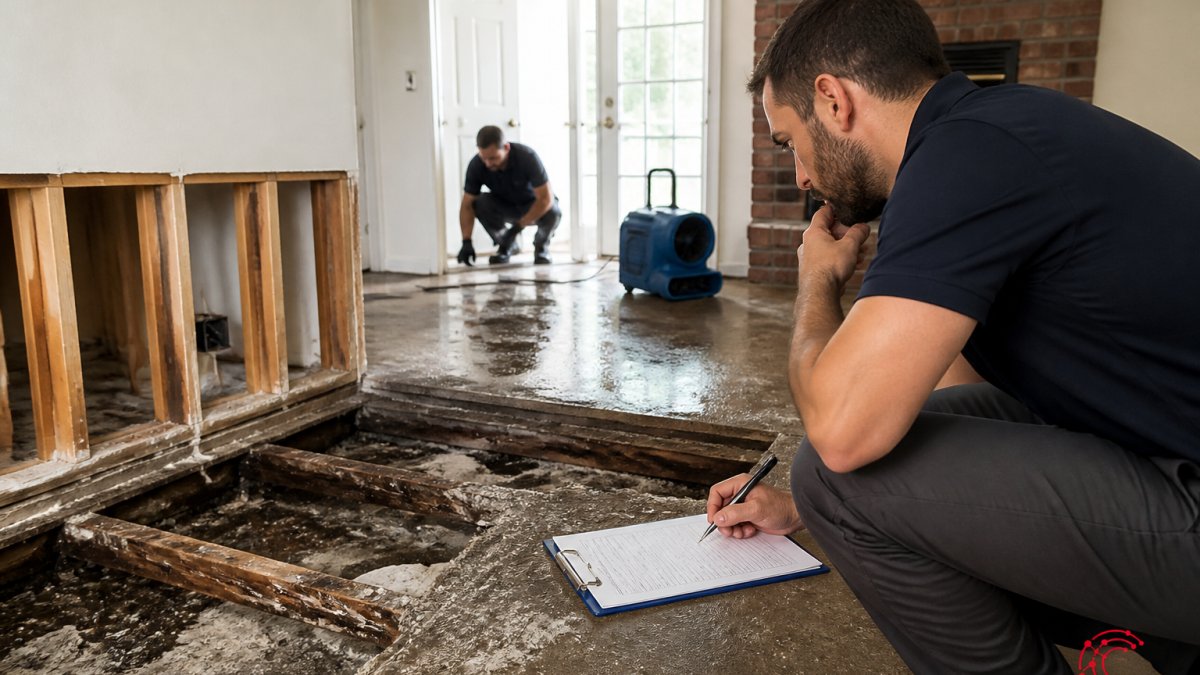
Field operations turn a signed work order into a paid invoice. Get the crew to the right address with the right equipment, document what they found, and bill it correctly, and the job makes money.
The stakes are bigger than most owners think. According to IBISWorld's U.S. industry analysis, the restoration services industry grew at a 2.3% compound annual rate from 2021 to 2026, and 57,615 businesses now compete for the same work.
At Cortex by JobDox, we build software for exactly this problem.
Map the End-to-End Field Workflow Before You Change Anything
The first step is not buying software. It is drawing your current workflow on one page, from first call to final billing. Most contractors skip this, jump straight to a tool, then wonder why it doesn't fix anything.
A complete restoration field workflow has seven stages:
- Intake and triage of the loss call
- Dispatch and arrival
- On-site assessment and scope
- Crew scheduling and resource assignment
- Daily job tracking and documentation
- Adjuster and customer communication
- Project closeout and final billing
Write down who owns each stage and what system holds the record. If two stages live in systems that don't talk, you've found your first problem.
The Six Handoff Points Where Jobs Stall
- Intake to dispatch: The call comes in after hours and sits until morning.
- Dispatch to assessment: The crew arrives without the moisture meter or the right extraction unit.
- Assessment to scheduling: Scope is written but never reaches the scheduler.
Each handoff is a place where money leaks. Fix the handoffs and the stages mostly take care of themselves.
Restoration Contractor Scheduling Software: Dispatch, Crew Assignment, and Route Planning
Restoration contractor scheduling software assigns crews to jobs, sequences dispatch by urgency, plans routes so techs spend less time driving and more time drying, and shows who is available right now, not just who is booked tomorrow.
Scheduling is where restoration differs from other trades. A category 3 water loss can't wait until Thursday. A mold remediation in an occupied home has to fit the homeowner's schedule.
How Dispatch Actually Works on a Restoration Job
A dispatch decision has four inputs: urgency tier, crew skill match, equipment availability, and drive time. Most contractors handle the first two and ignore the last two, which is why crews arrive without the right extraction unit or spend an hour crossing town.
A practical dispatch sequence:
- Triage the loss. Assign Tier 1, 2, or 3 using written rules (see below).
- Match skill to loss type. Water mitigation, fire/smoke, mold, and contents each need different certifications and tools. A tech who is excellent on water may not be your mold lead.
- Check equipment. The dispatch screen should show whether the required number of air movers, dehumidifiers, and moisture meters are staged and available, not just whether a crew is free.
- Sequence the route. For Tier 2 and Tier 3 jobs, group by geography and job phase. For Tier 1, route is secondary to arrival time.
- Confirm the handoff. The crew lead acknowledges the job in the app, and the office sees the acknowledgment. No acknowledgment, no dispatch.
Route planning matters most on monitoring visits. A drying job may need daily readings for three to five days.
Capacity Planning: The Part Most Contractors Skip
Scheduling software shows you today. Capacity planning tells you whether you can say yes to tomorrow. Three numbers drive it:
- Billable crew hours available per week. Paid hours minus training, shop time, and admin.
- Average hours per active job by type. A typical water mitigation job consumes a known number of crew hours across monitoring visits; a mold job consumes a different profile.
- Equipment-to-crew ratio. How many jobs can your current air mover and dehumidifier inventory support at once?
When new losses exceed capacity, you have four levers: overtime, subcontracting, equipment rental, and prioritization. Write the order in which you will pull them before the storm hits. Contractors who decide in the moment tend to pull the most expensive lever first.
Triage Rules for After-Hours and Catastrophe Calls
Write your triage rules down before the storm hits. A simple three-tier system works:
- Tier 1, respond now: Active water intrusion, sewage backup, fire damage with structural risk.
- Tier 2, respond within 24 hours: Standing water contained, mold under 10 square feet, contents-only losses.
- Tier 3, schedule this week: Routine drying monitoring, final walkthroughs, non-urgent estimates.
Post the rules where your on-call tech can see them. When a storm hits and 40 calls land in two hours, nobody has time to debate priority. The on-call rotation should also name a single dispatcher authority for the night, one person who can commit a crew and equipment without waiting for the owner.
If you're evaluating options, we've put together a comparison of the best restoration scheduling tools with pricing, features, and pros and cons for water damage and field service teams.
Restoration Job Tracking: Real-Time Visibility from First Call to Closeout
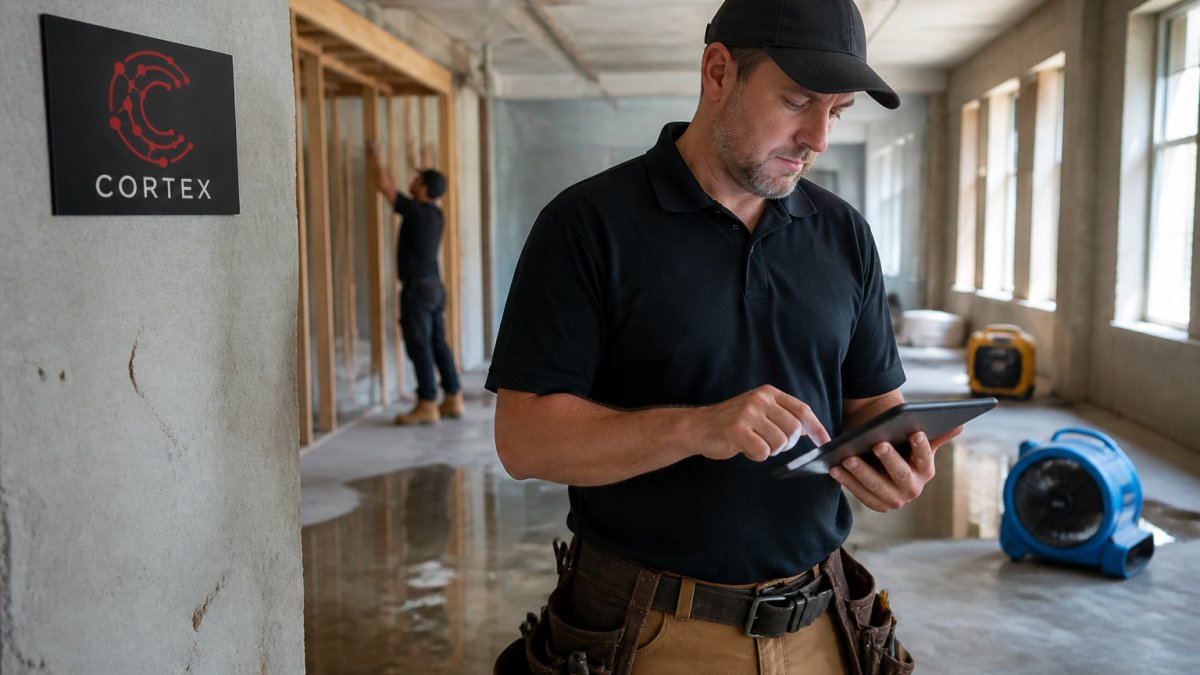
Restoration job tracking records job status, moisture readings, photos, labor hours, and equipment placement as work happens, so the office sees the same picture the crew sees.
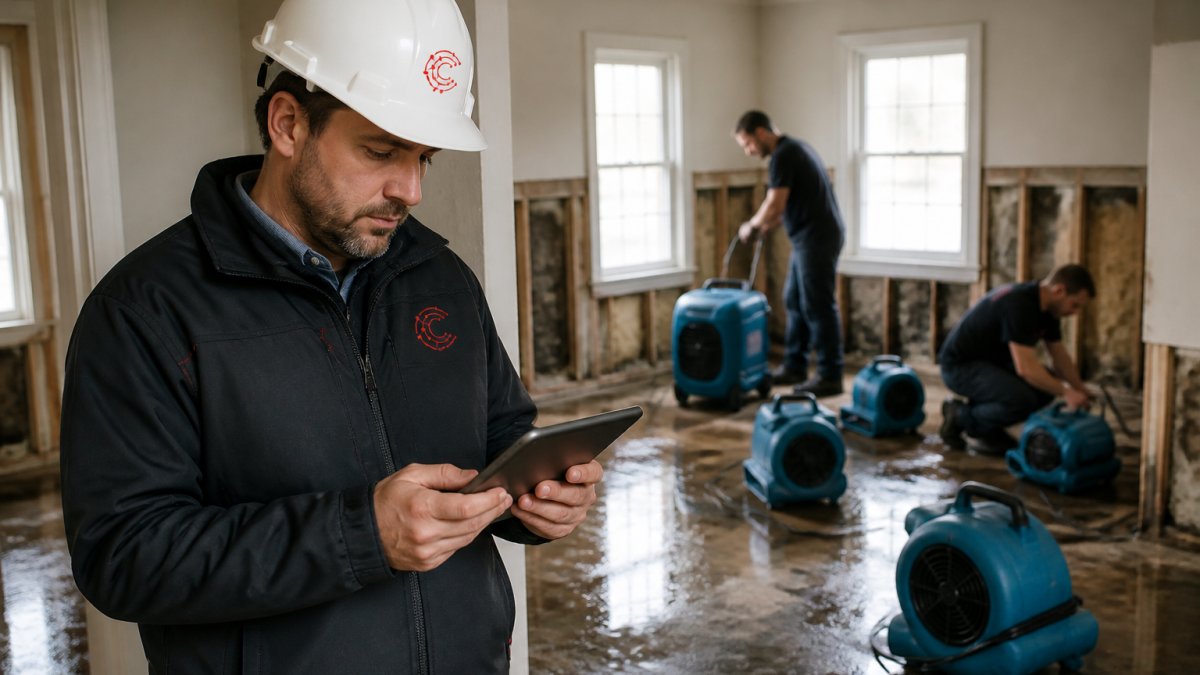
The old way: a tech takes photos on a personal phone, the project manager calls the crew at 5 p.m. to ask what got done, and the admin rebuilds the day from memory when the adjuster asks questions.
Real-time tracking collapses those steps. Crews log readings on a mobile app. The office sees progress without a phone call. The adjuster gets a clean record.
What Gets Tracked on Every Job
A useful tracking record has six layers. If any layer is missing at closeout, the claim is exposed.
- Status and phase. Where the job sits in the workflow, intake, mitigation, monitoring, reconstruction, closeout, and who owns the next action.
- Moisture and environmental readings. By room and material, with timestamps. Daily readings are the backbone of a drying claim.
- Photos and video. Pre-mitigation, equipment placement with serial numbers, daily monitoring, and post-mitigation dry standard confirmation.
Exception Tracking: The Signal Inside the Noise
A dashboard that shows every job as green is decoration, not tracking. The value is in exceptions. Four flags catch most of the money leaks:
- Missed monitoring visit. A drying job with no reading logged for 48 hours is a documentation gap and a potential rework risk.
- Reading plateau. Moisture readings that have not moved in two days may mean equipment is undersized, the source was missed, or the dry standard needs revisiting.
- Labor overrun. Hours logged against a phase exceed the estimate by a set threshold, flag it before the invoice, not after.
Set the thresholds with your project managers, then let the system surface the exceptions. The office should spend its morning reviewing exceptions, not asking crews what happened yesterday.
From Field Record to Adjuster-Ready File
Tracking only pays off if the record converts into something an adjuster can approve without back-and-forth. The closeout package should assemble automatically from tracked data: scope and signed authorization, pre- and post-mitigation photos, daily moisture logs, equipment placement records, labor summary, and change orders.
Send the adjuster a progress summary at defined milestones, after initial mitigation, at the midpoint of monitoring, and at closeout, rather than one large file at the end.
When you're ready to put real-time visibility in your techs' hands, you can take Cortex into the field on iPhone and Android and sign in with your existing account.
Build a Restoration Job Documentation Checklist Your Crews Will Actually Use
A restoration job documentation checklist is a short, job-type-specific list of the photos, readings, and signatures a crew must capture before leaving site.
Most checklists fail because they were written by the office for the office.
A checklist that survives contact with a wet basement has three traits:
- Job-type specific. Water, fire, and mold each get their own list.
- Photo-anchored. Each item names the exact photo required.
- Signed off daily. Not at closeout. Daily.
For water losses, the core items are:
- Pre-mitigation photos of every affected room
- Moisture readings by room and material
- Equipment placement photos with serial numbers
If you want to go deeper on digitizing this, here's how to automate restoration project documentation with digital forms, cloud storage, and AI tools.
Restoration Contractor Workflow Automation: Where It Pays and Where It Does Not
Restoration contractor workflow automation pays off in three places: repetitive documentation, adjuster communication, and job cost tracking. It does not pay off in judgment calls, scope decisions, or customer conversations.
Vendors sell automation as a cure-all. In practice, the wins are narrow and specific.
Where automation earns its keep:
- Drafting adjuster follow-up emails from job notes
- Converting won jobs into local landing pages
- Flagging budget overruns before they happen
Where it does not:
- Deciding whether a wall is dry
- Negotiating scope with an adjuster
- Handling an upset homeowner
The industry is moving this direction. Both Cotality's 2026 restoration trends report and R&R Magazine's 2026 trend analysis name AI and automation among the forces reshaping restoration this year.
For a deeper look at where automation fits, read our guide to automated workflows for restoration companies.
Field Performance Metrics and Operational Benchmarks That Matter
Five field metrics tell you whether operations are healthy. Track them weekly, not quarterly.
| Metric | What It Measures | Why It Matters |
|---|---|---|
| Response time | Hours from call to on-site arrival | Drives win rate on urgent losses |
| Estimate-to-close cycle | Days from scope to final invoice | Ties up cash flow |
| Documentation completeness | % of jobs with full checklist at closeout | Predicts claim recovery |
| Resource use | Billable crew hours vs. paid hours | Shows labor waste |
| Rework rate | % of jobs requiring a return visit | Signals quality problems |
Response time is the one most contractors ignore, and the one that wins the next job. A homeowner with two inches of water in the basement calls three companies and hires the first one that shows up.
Documentation completeness is the quiet one. A job with missing photos is a job with a reduced claim.
Rolling Out Process and Software Changes Without Stopping Production
Roll out changes in waves, not all at once. Pick one job type, one crew, and one month.
The rollout plan that works:
- Pick a pilot crew. Choose the tech most likely to adopt, not the most resistant.
- Run one job type for 30 days. Water losses are usually the best starting point.
- Measure the five metrics above. Compare against your baseline.
- Fix what broke. Every rollout breaks something.
- Train the next crew. Use the pilot crew as trainers, not the vendor.
- Expand by job type, not by department.
The biggest rollout mistake is training everyone at once and then going silent.
For practical training guidance, here's how to train field staff on new digital tools without pulling them off jobs for days.
Most restoration companies don't lose money on the big decisions.
Cortex by JobDox is built for exactly that.
Get started with Cortex by JobDox and turn your field operations into a profit center instead of a leak.
Frequently Asked Questions
How can restoration contractors improve field operations without adding headcount?
Start with the handoffs, not the hiring. Map every point where a job passes between the office, the crew, and the adjuster, then remove the manual steps at each one. Standard work orders, a shared documentation checklist, and scheduling software that updates in real time typically recover hours per job. The U.S. restoration industry grew at a 2.3% compound annual rate from 2021 to 2026 across 57,615 businesses, so most gains now come from operating tighter rather than chasing volume alone.
What should restoration companies track on every job?
At minimum: date and time of first contact, arrival time, moisture readings and photos, equipment placed and removed, labor hours by technician, materials used, change orders, adjuster communications, and sign-off at closeout. Tie each item to a cost line so project budgets update as work happens. More than 8.3 million restoration estimates were generated in 2024, up about 22.42% from 2020, which means adjusters see more claims than ever and expect documentation that is complete on the first submission.
What software do restoration contractors use to manage field teams?
Most restoration companies combine scheduling and dispatch tools, mobile documentation apps, and job-costing software. The practical test is whether a technician can capture photos, readings, and notes on a phone and have that data land in the same record the office uses for billing. Look for restoration contractor scheduling software that handles after-hours triage, and confirm the platform converts completed work into claim documentation without retyping. Cortex by JobDox is built for this workflow.
How can restoration companies reduce delays between job stages?
Give every stage a named owner and a trigger. Drying cannot close until readings are logged; reconstruction cannot start until the adjuster approves the scope; billing cannot go out until photos and signed work orders are attached. Automation handles the reminders and status changes so nothing waits on someone remembering to follow up. Review stage-to-stage lag weekly, because a two-day delay on every job compounds across a full schedule and shows up as lower resource utilization and slower cash collection.