 listicle
Best Software for Restoration Contractors
Table of Contents
- Quick Comparison Table
- Cortex by JobDox: AI-Native Operations for Restoration Teams
- Alternatives to Manual Restoration Project Tracking
- Restoration Business Automation Tools Worth Evaluating
- Restoration Project Management Software: What to Look For
- How to Choose the Right Restoration Software
- Implementation and Onboarding: What to Expect
- Conclusion
- Frequently Asked Questions
Last Updated: September 4, 2026
Quick Comparison Table
Software | Best For | Key Strength | Free Trial |
|---|---|---|---|
Cortex by JobDox | AI-driven operations & full tool suites | Automation, AI Adoption, Native Field Ops tools. | Yes |
Xactimate | Insurance-focused estimating | Industry-standard pricing data | No |
Projul | Field documentation | Moisture tracking & mitigation management | Contact for demo |
KaamCam | Cost-conscious teams | Low user fees | Contact for demo |
Encircle | Photo documentation | Mobile-first field capture | Contact for demo |
Cortex by JobDox: AI-Native Operations for Restoration Teams
Cortex by JobDox stands out as an operations platform because it's purpose-built to automate the workflows that drain profitability, documentation, budget prediction, and adjuster communication. Unlike generic project management tools, this AI-native platform learns your business patterns and flags cost overruns before they happen, drafts responses to insurance adjusters to recover more money, and converts won jobs into search-optimized local landing pages automatically.
The platform handles the operational friction most restoration firms tolerate. Your team describes a job in plain English, and Cortex Copilot builds the workflow. Field teams document damage in real time. The system predicts final project costs and alerts you when actual expenses deviate from estimates. For contractors managing mitigation jobs, emergency response timelines, and insurance claim cycles, this eliminates the manual coordination that consumes admin time.
Setup is designed for speed, no lengthy implementation required. Optional white-glove onboarding is available for teams wanting guided configuration. The free trial lets you test core automation without commitment. Pricing scales with your operation, and the platform grows with you as your crew size increases from 10 to 50+ employees.
Alternatives to Manual Restoration Project Tracking
The cost of staying manual is real. Spreadsheets and email chains create documentation gaps, delay adjuster responses, and hide cost overruns until projects are already underwater. Restoration contractors still relying on manual tracking lose visibility into profitability, struggle to scale scheduling, and miss referral opportunities from satisfied customers.
The best software for restoration contractors replaces this friction with automation. Proper project management tools centralize job costing, automate insurance workflows, and provide real-time visibility into crew productivity and project margins. Field teams capture damage photos and measurements in one platform rather than emailing files to the office. Adjusters receive organized documentation packages instead of scattered attachments. Project budgets update automatically as crews log time and materials.
The shift from manual to automated operations can improve recovery rates from insurance claims, reduce administrative overhead, and create a foundation for growth. Contractors who move to structured software may report faster job completion, fewer billing disputes, and clearer profitability by project type.
Restoration Business Automation Tools Worth Evaluating
Xactimate serves as the industry standard for property claim estimating. Insurance adjusters and restoration firms use it to generate estimates with industry-standard pricing data and integration into carrier systems. The learning curve is steep, and it focuses narrowly on estimating rather than full operational management. It works best for contractors who need adjuster-compatible estimates but manage other workflows separately.
Projul emphasizes field documentation and moisture tracking, critical for mitigation work. The flat-rate pricing model means no per-user fees, which appeals to teams with variable crew sizes. The interface prioritizes simplicity for field teams, though advanced enterprise features are limited. Contact Projul directly for pricing details.
KaamCam targets mid-sized restoration businesses with cost-conscious operations. The feature set is focused and straightforward, project management, estimating, and field coordination without unnecessary complexity. Integration options are more limited than larger platforms.
Encircle specializes in field documentation and photo evidence capture. The mobile-first design makes it fast for technicians to document damage on-site, and the system generates reports automatically. However, it's primarily a documentation tool, not a full project management or job costing platform. Teams using Encircle typically combine it with separate estimating and accounting software.
Restoration Project Management Software: What to Look For
When evaluating the best software for restoration contractors, prioritize these capabilities:
Job Costing and Budget Prediction, The platform should automatically calculate project costs as crews log time and materials, then compare actuals against estimates. Early warning systems that flag overruns before they exceed thresholds prevent margin erosion.
Insurance Workflow Automation, Restoration work is claims-driven. Look for tools that automate documentation packaging, organize adjuster communications, and track claim status. Platforms that draft responses to common adjuster requests save significant admin time.
Mobile-First Field Operations, Crews in the field need to document damage, track time, and access job details without returning to the office. Reliable mobile apps with offline functionality are essential for mitigation and emergency response work.
Real-Time Project Visibility, Dispatchers and project managers need current status on crew location, task completion, and budget consumption. Cloud-based platforms with live dashboards provide this transparency.
Scope of Work and Estimation, The software should help you generate detailed estimates that justify costs to insurance adjusters and customers. Scope documentation that's organized and professional reduces disputes.
Customer Communication Portal, Allowing property owners to track project progress and approve changes reduces phone calls and builds trust. Automated status updates keep customers informed without manual effort.
How to Choose the Right Restoration Software
Start by mapping your current workflow bottlenecks. Are you losing money on cost overruns? Spending hours organizing adjuster documentation? Struggling to schedule crews across multiple simultaneous jobs? Your biggest pain point should drive your software choice.
Next, assess your team size and growth trajectory. Tools designed for solo operators or small crews may not scale to 40+ employees. Conversely, enterprise platforms often include features and costs you won't use at 15 people. Cortex by JobDox, for example, is built to scale from small teams to mid-sized operations without forced complexity.
Evaluate integration requirements. Does the software connect to your existing accounting system, CRM, or insurance carrier portals? Poor integration means manual data entry, the opposite of automation.
Test the user experience with your actual team. A platform that seems powerful in a demo but frustrates field technicians will see low adoption. Free trials let you validate usability with real workflows before committing.
Implementation and Onboarding: What to Expect
The transition from manual workflows to automated software creates temporary disruption if not managed carefully. Most restoration contractors underestimate the time required to teach crews new processes, migrate historical data, and adjust operational habits.
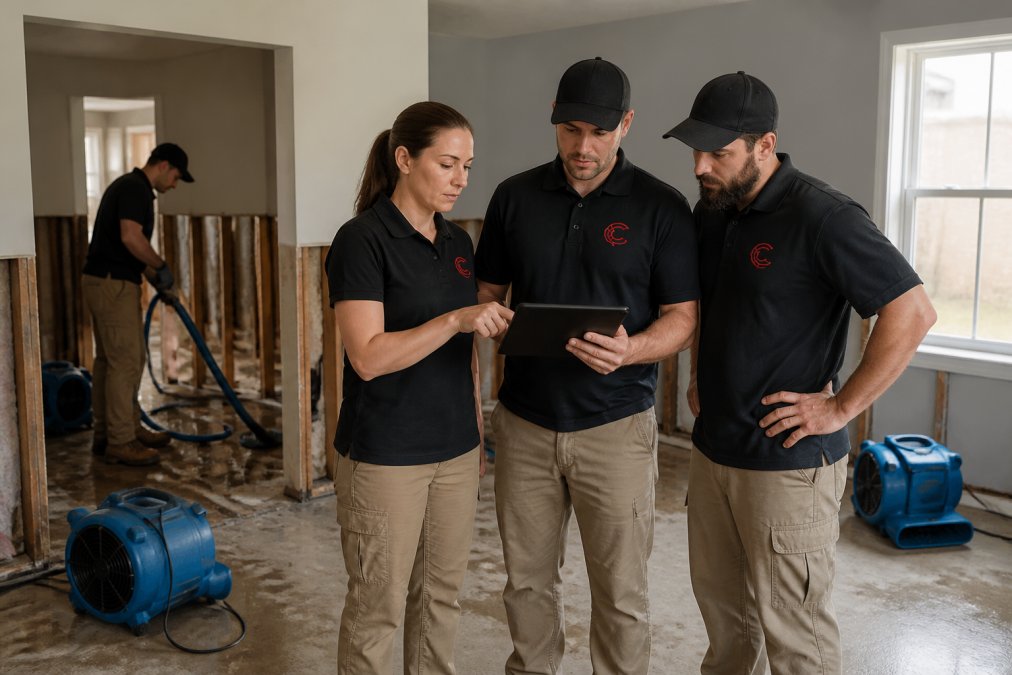
Timeline Reality, Fast implementations typically require 2-4 weeks for core functionality, assuming your team dedicates 5-10 hours per week to setup and training. This includes data migration, workflow configuration, and crew onboarding. Rushing this phase creates gaps where crews revert to old processes or skip documentation steps.
Data Migration Considerations, If you're transitioning from spreadsheets or legacy software, plan for data cleanup. Inconsistent job naming, incomplete cost records, and missing customer contact details will surface during migration. Budget time to standardize data before importing.
Crew Training and Adoption, Field teams need hands-on training with the mobile app, not just a manual. Plan for 1-2 weeks where productivity dips slightly as crews learn new documentation steps. Assign a power user on each crew to answer questions and reinforce best practices.
Phased Rollout Strategy, Consider starting with one crew or one job type to validate workflows before full deployment. This reduces risk and lets you refine processes before scaling to your entire operation.
Cortex by JobDox offers optional white-glove onboarding to guide this transition, which accelerates adoption and reduces the burden on your internal team.
Conclusion
The best software for restoration contractors automates the workflows that consume time and hide profitability, documentation, cost tracking, insurance communication, and crew scheduling. Cortex by JobDox delivers this through AI-native automation that learns your business, predicts project budgets, drafts adjuster responses, and converts jobs into marketing assets automatically. Start your free 14-day trial of Cortex by JobDox to experience how automated operations reduce overhead, improve recovery rates, and create capacity to scale without proportional cost increases.
For teams seeking specialized tools, Xactimate excels at insurance estimating, Encircle leads in field documentation, and KaamCam offers cost-effective project management. The right choice depends on your biggest operational bottleneck and team size. Evaluate based on job costing accuracy, insurance workflow automation, mobile usability, and implementation speed rather than feature count alone.
The restoration industry's shift toward digital field operations and real-time project management reflects a broader trend toward operational visibility and profitability discipline. Contractors who move from manual tracking to automated software gain competitive advantage in scheduling, claim recovery, and customer satisfaction. Your software choice shapes whether growth requires proportional overhead increases or whether automation enables profitable scaling.
Frequently Asked Questions
What estimating software do most restoration companies use?
Restoration companies use a mix of industry-standard tools. Xactimate is widely adopted because insurance adjusters recognize it and it integrates with carrier systems. However, many contractors now pair estimating tools with broader restoration project management software that handles documentation, scheduling, and job costing alongside estimates. The best choice depends on whether you prioritize adjuster alignment or end-to-end operational automation.
What are the essential features to look for in restoration management software?
Look for tools that handle insurance claims processing, real-time documentation, job costing, and field service management. Key capabilities include digital signatures, photo documentation, moisture mapping, scope of work generation, work order management, and mobile-first design for field teams. Data security for sensitive insurance information is critical. The software should also support workflow automation to reduce manual data entry and improve profitability analysis.
How can restoration software help with insurance adjuster documentation?
Purpose-built restoration software streamlines the claims lifecycle by automating document generation, organizing photo evidence, and creating professional scope of work reports that adjusters expect. Tools that integrate with insurance workflows can draft adjuster responses, track communication, and maintain compliance reporting. This reduces back-and-forth delays and helps recover more money from claims through better-organized, professional submissions.
What is the difference between general construction software and restoration-specific platforms?
Restoration-specific software is built around the unique workflows of water damage, fire and smoke remediation, and mold assessment projects. These tools include features like drying logs, moisture mapping, emergency mitigation tracking, and insurance claims integration that general construction software doesn't address. Restoration platforms also account for the speed and documentation intensity of mitigation work, where field teams must capture real-time data and communicate with adjusters immediately.
This article was written using GrandRanker