 blog
Best Albiware Alternatives for Contractors to Run Restoration Jobs
Last Updated: November 1, 2026
Quick Summary
The best Albiware alternatives for contractors depend on workflow fit, not feature lists. Cortex by JobDox is an AI-native option with budget prediction, adjuster response drafts, and automated setup, while DASH suits established teams and general field-service tools fit simple service work rather than complex claims.
- Most contractors leave Albiware because the business outgrew it, not because the product is bad.
- Cortex by JobDox offers a 14-day free trial and a free plan to test the workflow.
- Automated setup builds workflows from a plain-English description of how your shop runs.
- Budget prediction is designed to flag overruns while a job is still open.
- Workflow fit beats a longer feature list when choosing restoration project tracking software.
Table of Contents
- Why Contractors Outgrow Albiware and What to Look For
- How the Top Albiware Alternatives Compare Side by Side
- Cortex by JobDox: The AI-Native Option for Restoration Management Software
- What to Expect From Restoration Job Management Software
- Albiware vs DASH: How the Two Stack Up for Restoration Crews
- Picking Restoration Project Tracking Software That Fits Your Crew
- Start Your 14-Day Free Trial and Test the Workflow Yourself
- Frequently Asked Questions
Why Contractors Outgrow Albiware and What to Look For
Most restoration contractors don't leave Albiware because it's a bad product. They leave because the business outgrew it. Albiware works well as a restoration-focused CRM, but once a crew passes a certain size, the gaps can start costing real money: documentation that lives in several places, adjuster follow-ups that slip, and no clear read on whether a job is actually profitable until it's closed.
If you're weighing Albiware alternatives, the decision comes down to a single question: does the platform tell you what's happening on a job before the invoice goes out, or after? Cortex by JobDox is built around that second gap, where restoration margins can quietly disappear.
Below, we break down what actually drives a switch, how the leading options compare, and where each one fits.
The Features That Actually Decide the Switch
Three capabilities separate a platform you tolerate from one that pays for itself. First is budget visibility during the job, not after. A platform that only reports costs at closeout can't stop an overrun. Second is adjuster communication that doesn't depend on one admin's inbox. Third is scheduling that reflects real crew availability, including drying cycles and equipment turnarounds.
What most guides miss is that feature lists rarely decide the switch. Workflow fit does. A tool with fewer features that matches how your PMs already run a job beats a bigger suite your team quietly works around.
How the Top Albiware Alternatives Compare Side by Side
The restoration software market splits into three rough camps: restoration-native CRMs, general field-service platforms, and AI-native operations tools. Each solves a different problem, and picking the wrong camp is the most common and expensive mistake we see.
Here's how the main options stack up on the criteria that matter to a 10-50 person restoration shop.
| Platform | Type | Strongest At | Watch Out For | Best For |
|---|---|---|---|---|
| Cortex by JobDox | AI-native operations | Budget prediction, adjuster drafts, automated docs | Newer to some contractor networks | Crews that want automation without a long setup |
| Albiware | Restoration CRM | Restoration-specific workflows | Less AI-driven forecasting | Shops that want a familiar restoration CRM |
| DASH | Restoration platform | Estimating and documentation | Dense interface for new users | Established teams with admin support |
| General field-service tools | All-trade platforms | Scheduling and invoicing | Restoration-specific gaps | Simple service work, not complex claims |
If you want a closer look at how these options differ in practice, you can compare Albi alternatives for restoration contractors feature by feature.
Cortex by JobDox: The AI-Native Option for Restoration Management Software
Cortex by JobDox is an AI-native operations platform built specifically for restoration and service contractors. Rather than bolting AI onto a legacy CRM, the platform was designed around it, which changes what the day-to-day actually looks like.
Key capabilities include:
- Automated setup builds workflows from a plain-English description of how your shop runs.
- Cortex Copilot answers job, crew, and financial questions in plain English, no report-building required.
- Budget prediction is designed to flag overruns while a job is still open.
- Adjuster response drafts help recover more on claims.
- Won jobs convert automatically into search-optimized local landing pages.
Switching platforms can involve retraining time for teams used to an existing CRM. Automated setup builds workflows from plain English descriptions, and optional white-glove onboarding is available if you want hands-on help. For a wider view of how AI-native tools stack up against traditional platforms, see our guide to the best restoration management software.
What to Expect From Restoration Job Management Software
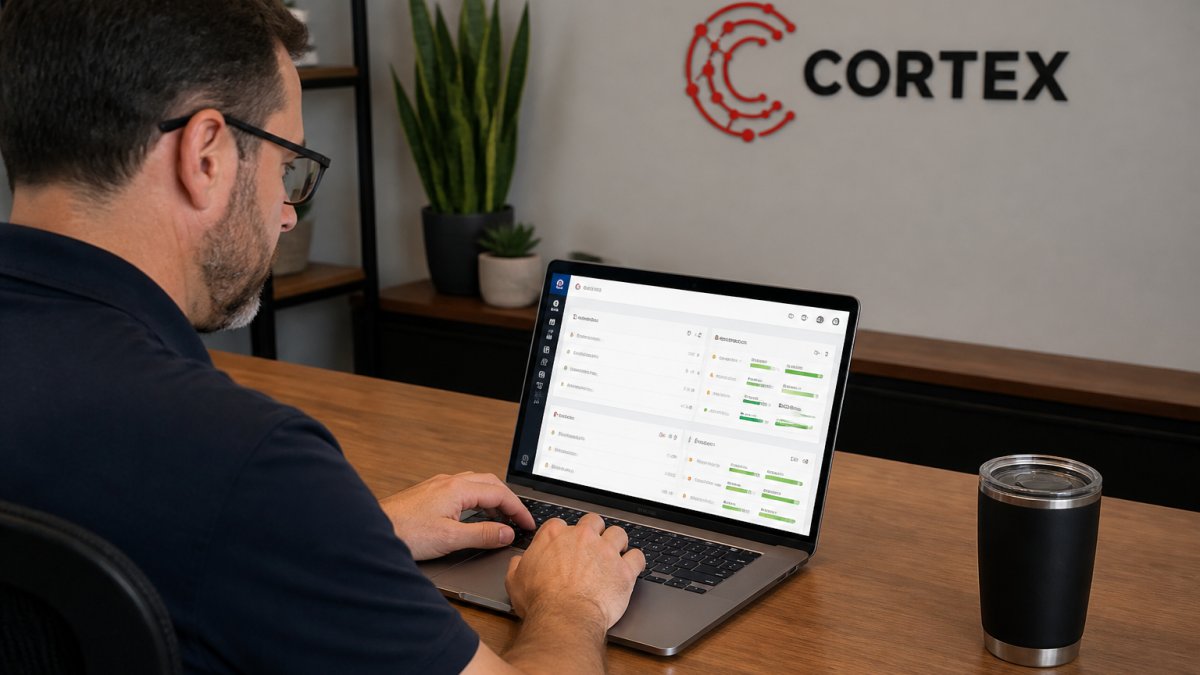
Restoration job management software is the system that ties a job's schedule, documentation, budget, and adjuster communication into one record. Done well, it means a PM can open one screen and see where a job stands, what's been documented, and whether the budget is holding.
What should you expect from a modern platform?
- One record per job instead of photos in texts and notes in email.
- Live cost tracking against the estimate, updated as the job moves.
- Scheduling that accounts for drying cycles and equipment availability.
- Adjuster-ready documentation generated as work happens.
The gap between platforms is usually how much of that happens automatically versus how much an admin has to assemble by hand. That admin time is the hidden cost nobody budgets for.
Albiware vs DASH: How the Two Stack Up for Restoration Crews
The Albiware vs DASH comparison comes up constantly, and for good reason: both are restoration-focused and both have loyal users.
If you want the full breakdown of DASH's strengths and where it fits, read our DASH restoration software review.
Picking Restoration Project Tracking Software That Fits Your Crew
The right restoration project tracking software depends less on feature counts and more on your operating reality. Use this checklist before you commit:
- Can a PM see live budget status without exporting anything?
- Does documentation flow into one record automatically?
- Can you draft adjuster responses from inside the platform?
- How long does setup actually take, and who owns it?
- Does pricing scale sensibly as you add crew?
- Can the team learn it without pausing jobs?
A common mistake is choosing the platform with the longest feature list rather than the one your PMs will actually use. Workflow fit wins every time. For a broader roundup to compare against, browse the best software for restoration contractors.
Start Your 14-Day Free Trial and Test the Workflow Yourself
The only real test of a platform is running your own jobs through it. Cortex by JobDox offers a 14-day free trial and a free plan, so you can test the workflow before committing. Pricing is available on our website, so you can review current plans and request a quote if you need one.
Bring your own job, your own crew, and your own adjuster emails. If the platform predicts a budget overrun or drafts a response that saves your admin an hour, you'll know it fits.
Frequently Asked Questions
What are the best alternatives to Albiware for contractors?
The best fit depends on what you need most. AI-native platforms like Cortex by JobDox suit crews that want automated documentation, budget predictions and adjuster communication in one place. Other options focus on scheduling or field documentation alone. Compare each platform on how it handles documentation, job costing, adjuster workflows and onboarding time before you commit, and run a trial on a live job to see which one your team actually uses.
How does Albiware compare with other restoration management software?
Alternatives often differ in how much they automate beyond scheduling, such as budget forecasting, adjuster response drafting or marketing. Ask each vendor for a demo on a real job from your pipeline, then check how much manual data entry the platform removes. The platform that cuts the most admin work per job is usually the one worth switching to.
Can restoration software help contractors track project costs and schedules?
Yes. Restoration project tracking software ties job schedules to cost data so you can see overruns before the job closes. Look for platforms that flag budget variance in real time, log drying readings against timelines and connect change orders to the original estimate. That visibility matters most on insurance jobs, where documentation gaps are a common reason carriers reduce payouts.
What is the difference between restoration management software and construction management software?
Restoration management software handles insurance-driven workflows: adjuster communication, drying logs, moisture readings and scope changes tied to carrier approvals. Construction management software focuses on bids, subcontractors and long build schedules. A restoration firm needs the first type, because the documentation and billing recovery process is different from a new-build project, and generic construction tools often miss those workflows.
Switching platforms is a real decision, and the wrong one costs months of retraining. If you want a system that flags budget problems while a job is still open and drafts adjuster responses for you, Cortex by JobDox is built for exactly that. Start with the 14-day free trial, then take Cortex into the field with the mobile app for iPhone and Android. Get started with Cortex by JobDox and run your next job with documentation and budgets that keep up.